Feature 1
Preview a shot from text
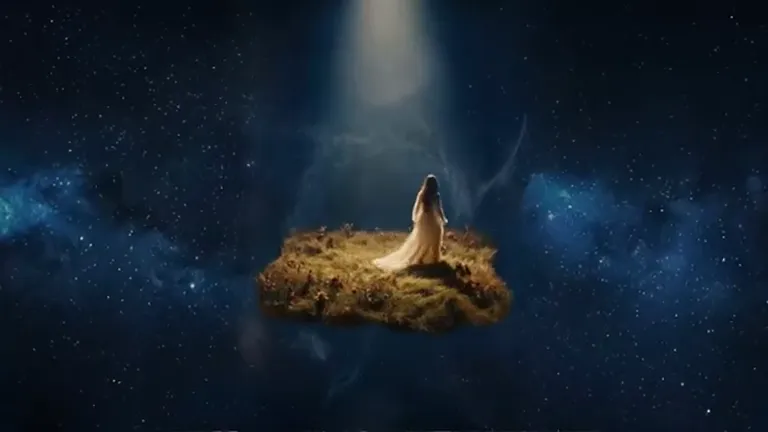
Describe a performer walking from backstage into the spotlight. Specify when the light changes and where the camera follows. Start with a short 480p draft to check the timing.
Latest Release
Preview a shot, compare a variation, and refine the brief.
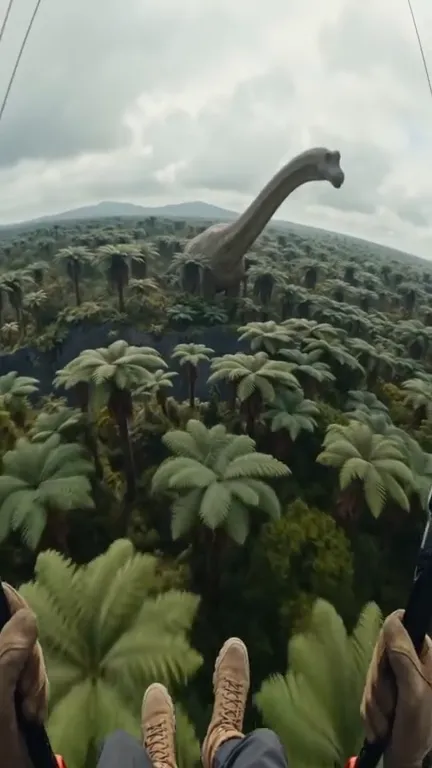
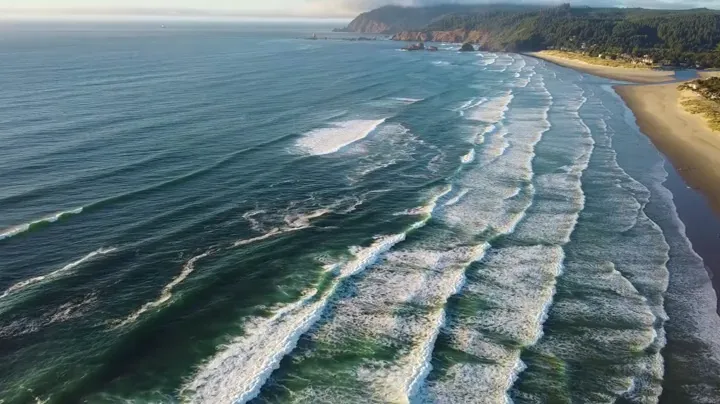
Start with one complete shot, review the action through the final frame, and change one detail in your next draft. Use the coastline footage as a reference for framing and motion.
Key Features
Four examples of how to plan a shot, guide it with references, and compare previews.
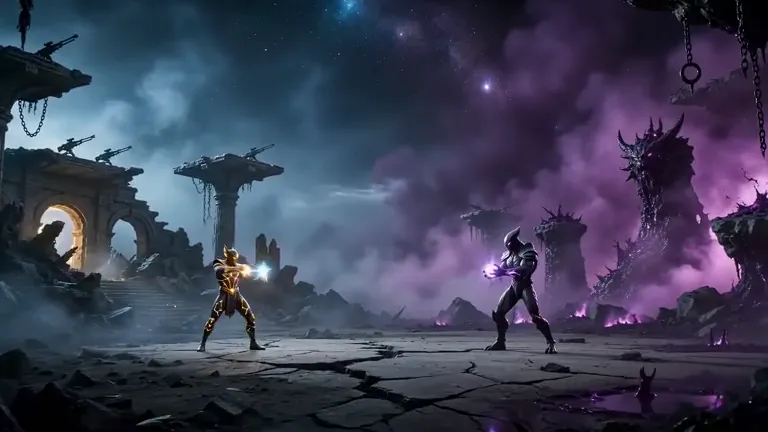
Feature 1
Describe a performer walking from backstage into the spotlight. Specify when the light changes and where the camera follows. Start with a short 480p draft to check the timing.
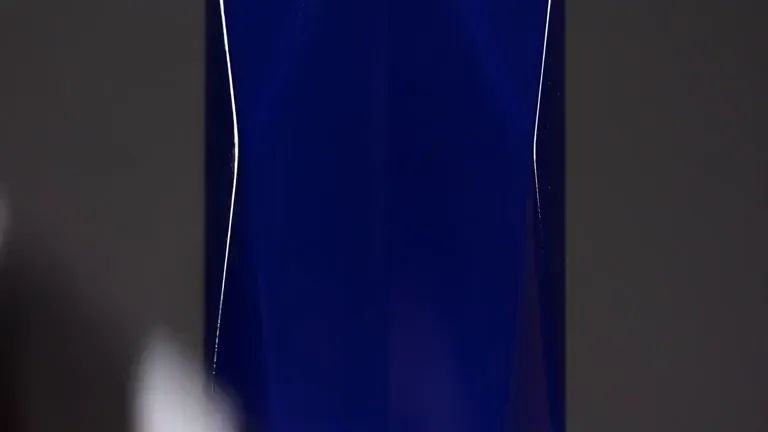
Feature 2
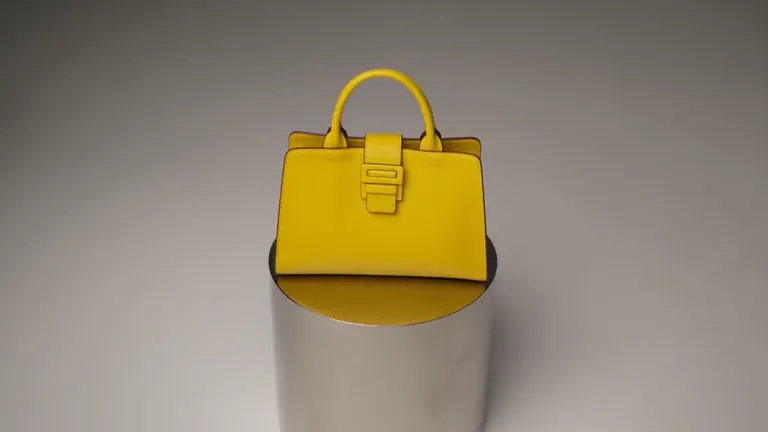
Keep the fragrance bottle and lighting consistent across previews. Try a front view, then change the camera angle to see how the glass and reflections read in motion.
Feature 3
Attach a product image to guide the bottle shape and color. Mention the image in your prompt and describe where the camera should focus as it moves across the set.
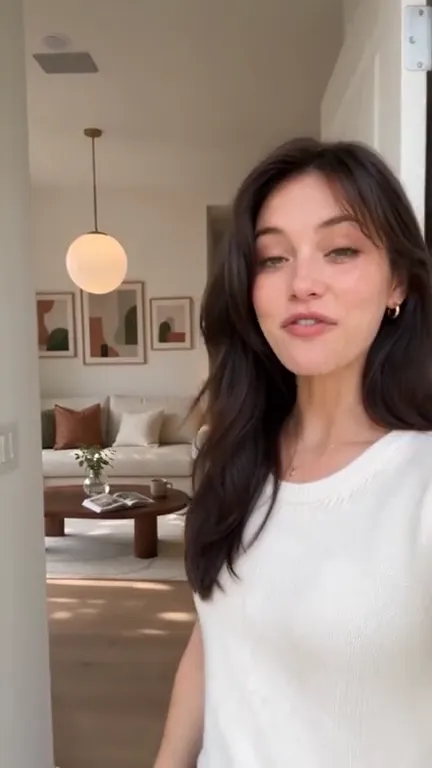
Feature 4
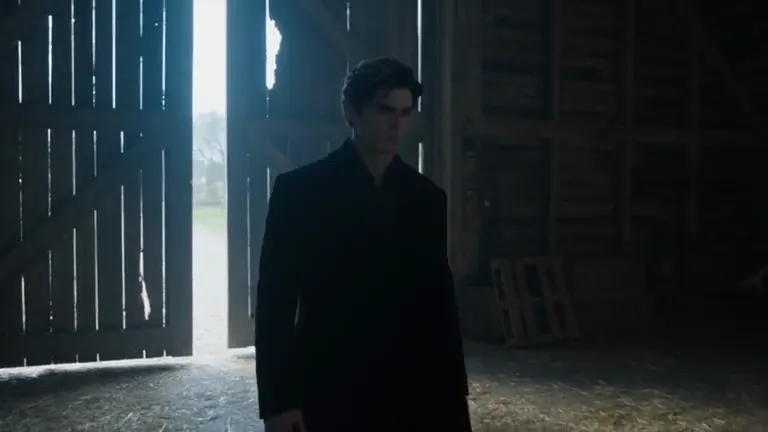
Use a portrait shot to test how framing holds as the subject or camera moves. Review the whole clip and use 720p when you need to inspect finer details.
Supported Inputs & Outputs
Check the input and output limits before you generate.
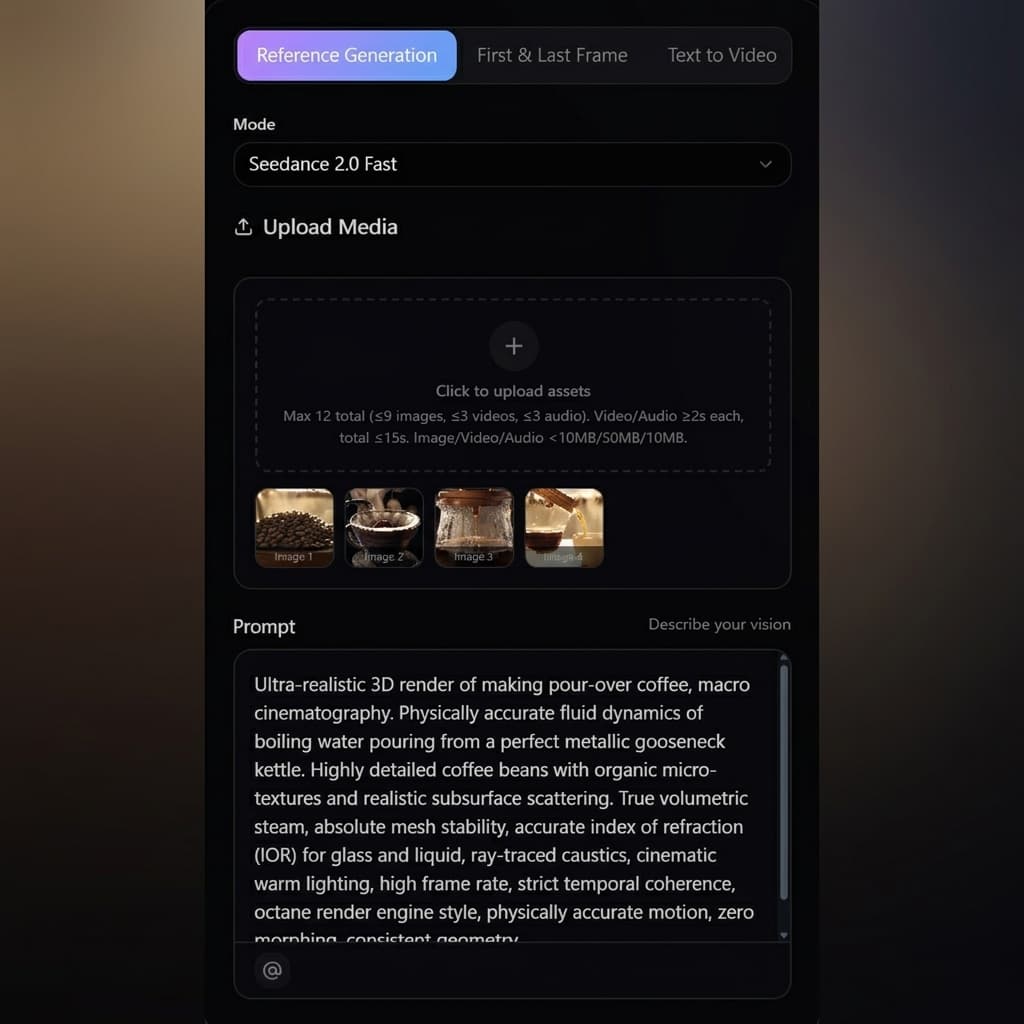
Generate from a text prompt, or use up to 20 reference images, videos, and audio files in one job. To use reference audio, include at least one image or video.
Choose 480p or 720p. Use standard Seedance 2.5 when your shot requires 1080p or 4K.
Choose 16:9, 4:3, 1:1, 3:4, 9:16, or 21:9 for both text and reference generation.
Set the output to any whole number of seconds from 4 to 30.
Each reference video or audio clip must be at least 2 seconds. Video and audio each have a separate 30-second total limit.
Video examples
Explore different subjects, camera moves, and visual styles.
Use Cases
Four ways to use previews before committing to a final shot.
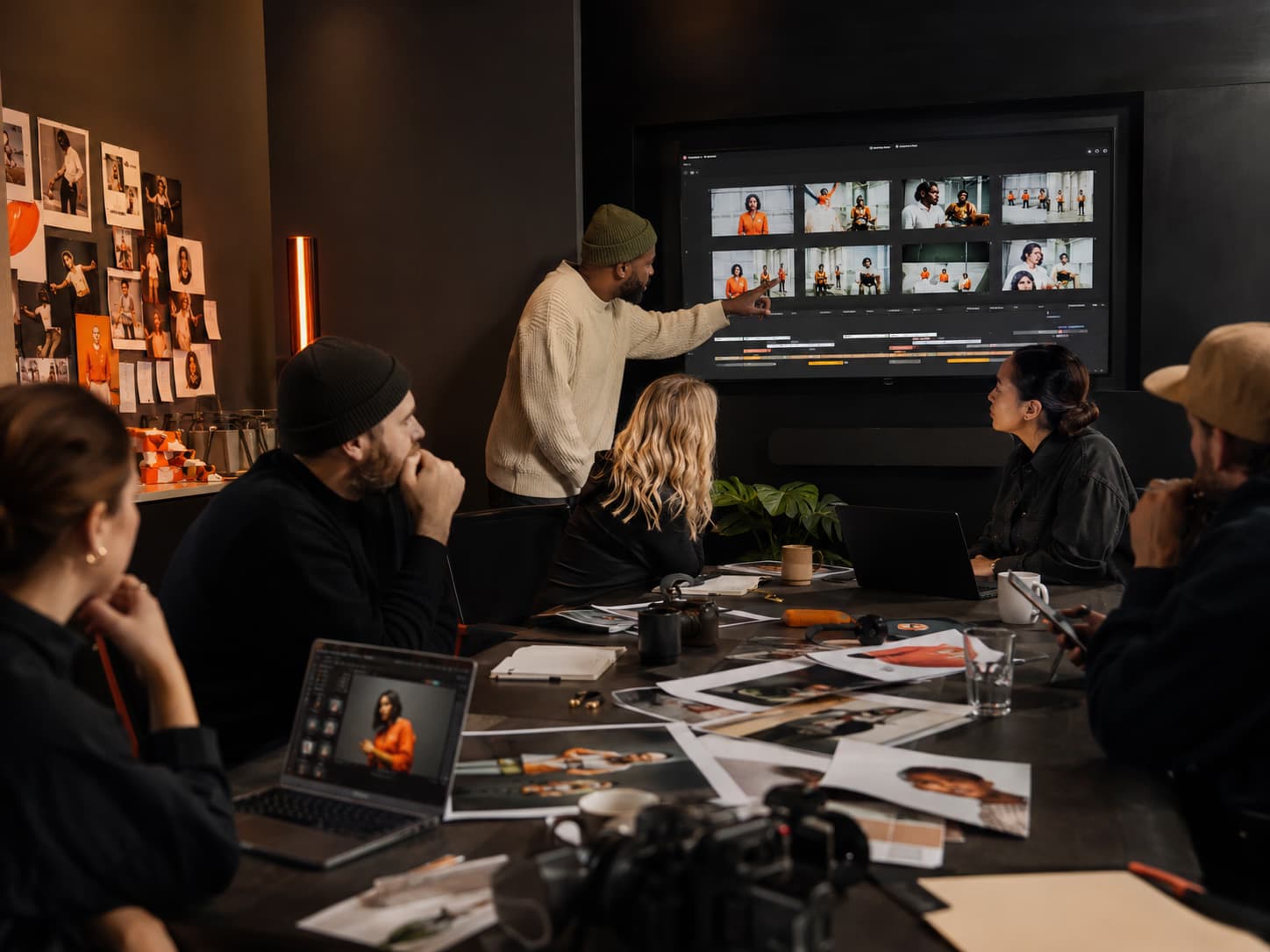
Test several opening actions for the same vertical brief and check which one communicates the idea in the first few seconds.
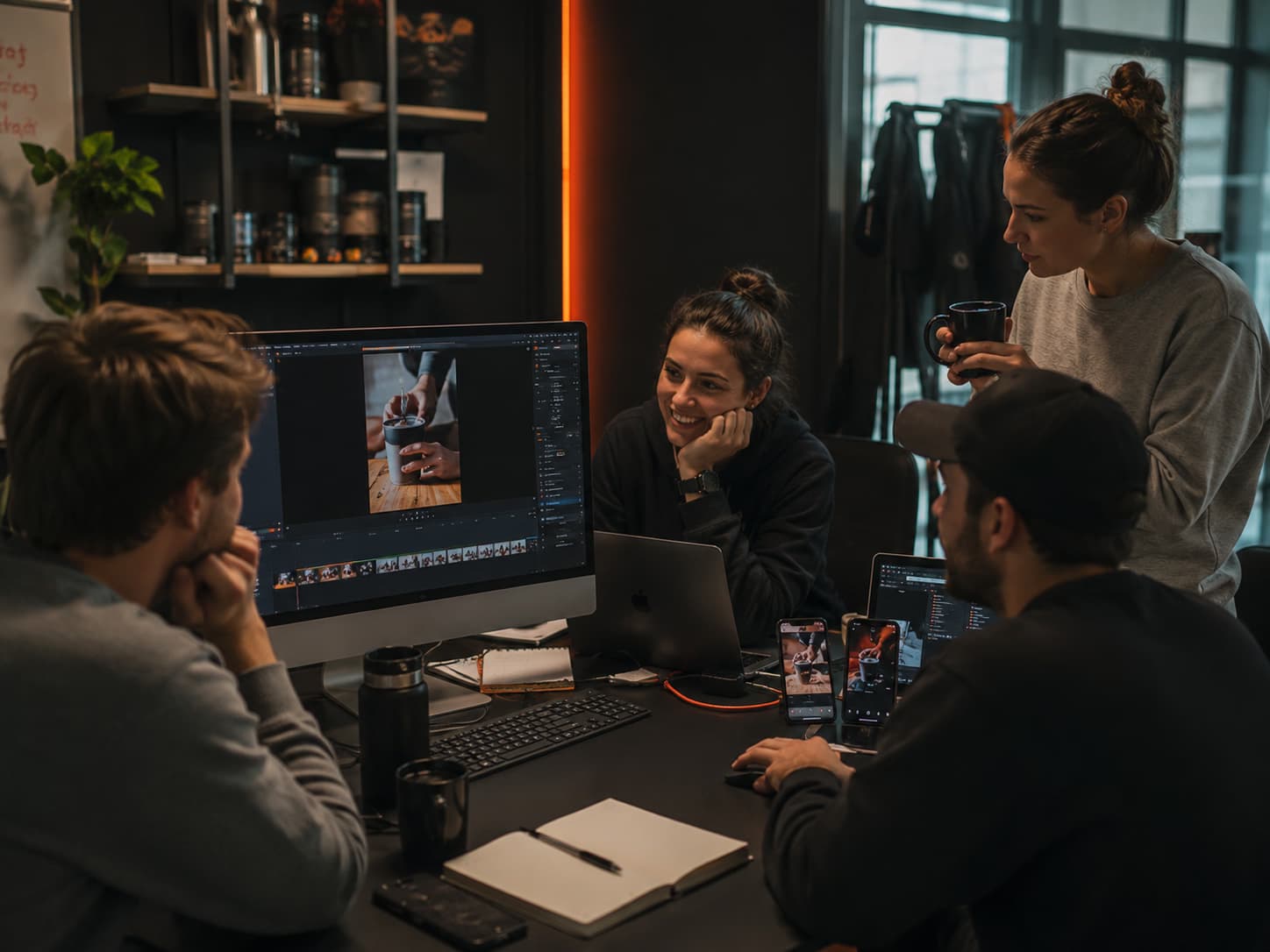
Try a static wide shot and a moving close-up using the same subject and setting, then decide what to take into production.
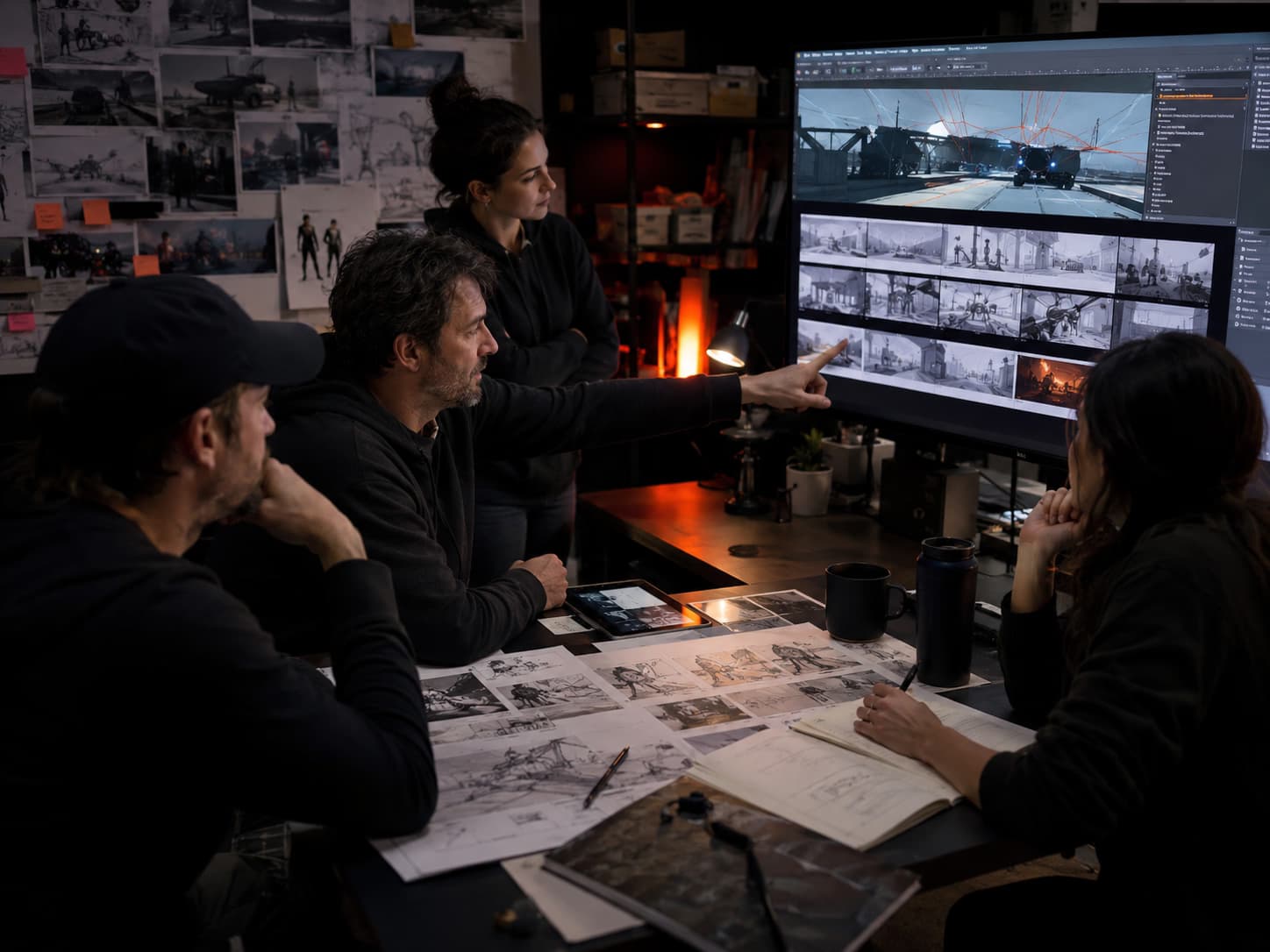
Reference the same product image across different backgrounds or camera angles to explore a campaign direction.
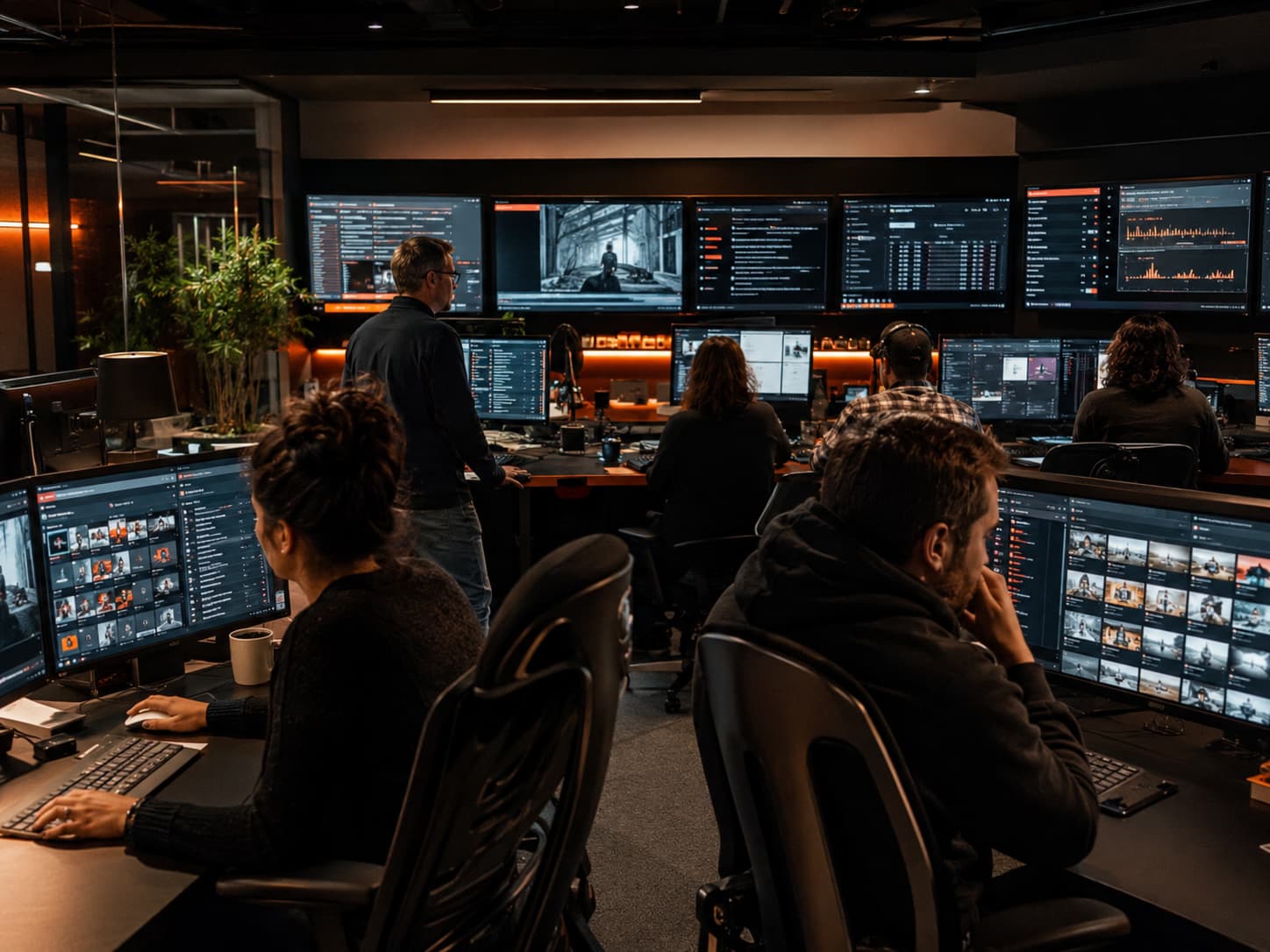
Draft a short motion test before committing to a longer clip. Review the full preview for unwanted changes in the subject or framing.
Version Comparison
Compare output options and reference limits before choosing a model.
| Spec | Seedance 2.5 | Seedance 2.5 Flash |
|---|---|---|
| Output duration | 4–30 seconds | 4–30 seconds |
| Resolution | 480p, 720p, 1080p, 4K | 480p, 720p |
| Reference assets per job | Up to 50 | Up to 20 |
| Generation modes | Text and reference | Text and reference |
| When to pick it | Higher resolution or more reference assets | Shot previews and creative variations |
Process
Start with one shot and use each preview to guide the next edit.
01
Pick Text to Video and describe the subject, setting, action, and ending. Choose the aspect ratio and how long the action should take.
02
Switch to Reference Generation to add images, video, or audio. Mention the assets in the prompt and describe what each one should guide.
03
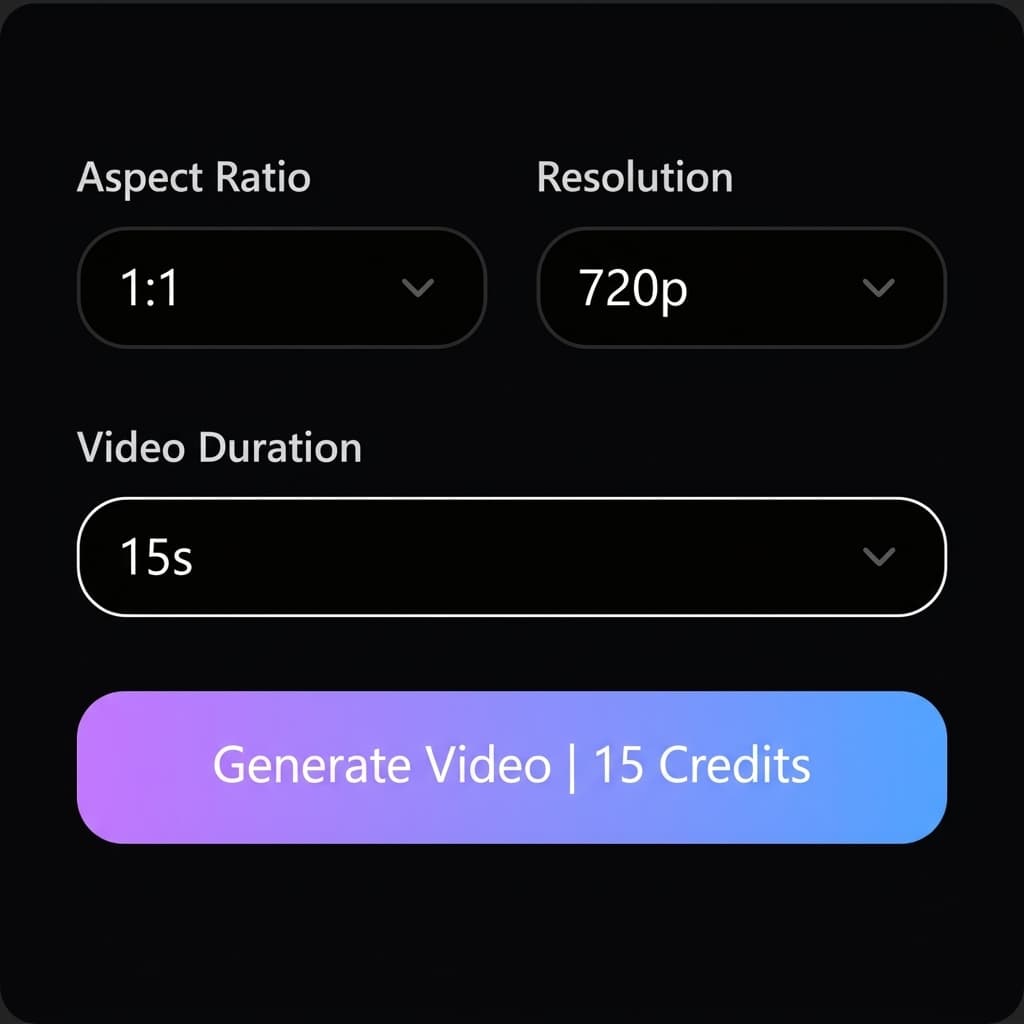
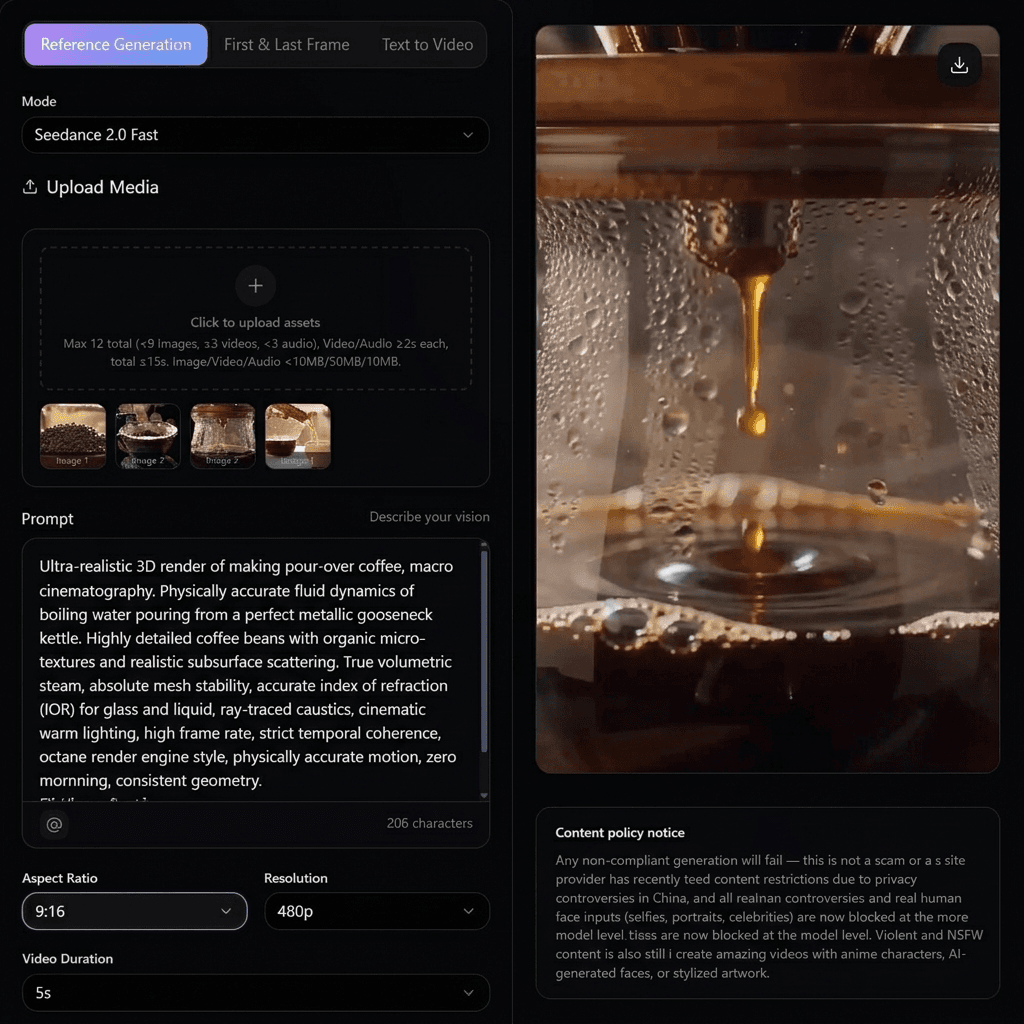
Choose 480p or 720p, check the credit estimate, and generate. Watch from start to finish, then revise one detail or download the clip.
Flash costs 1 credit per second at 480p and 3 credits per second at 720p. With reference video, add its total duration to the output duration. For example, a 5-second 720p clip with a 3-second video reference costs 24 credits.
Choose one-time credits • Flexible billing options
FAQ
What to know before your first Flash generation.
Flash is the Seedance 2.5 option for making shot previews and testing variations. It supports text and reference generation with 480p or 720p output.
Flash generates clips from 4 to 30 seconds. For 30–180 second output, select Seedance 2.5 Long on the Seedance 2.5 page.
Yes. Reference Generation accepts images, videos, and audio. You can attach up to 20 assets per job. Each video or audio clip must be at least 2 seconds, and each media type has its own 30-second total limit.
Reference audio requires at least one image or video in the same generation. Each audio file must be at least 2 seconds, with up to 30 seconds of audio in total.
The current rates are 1 credit per second at 480p and 3 credits per second at 720p. With reference video, add its total duration to the output duration. A 5-second 720p clip with a 3-second video reference uses 24 credits.
Choose Flash for 480p or 720p previews with up to 20 references. Choose standard Seedance 2.5 if you need 1080p, 4K, or more reference assets.
Keep the source assets and settings consistent, then change a single instruction such as camera movement. Watch both previews through the end to compare how the motion develops.
Preview your next shot from a prompt or reference media.
Generate a Seedance 2.5 Flash video