
Building on the foundation of the Seed ecosystem, the Seedance 2.0 Model Series utilize a revolutionary dual-branch transformer architecture, achieving true native multimodal input and output. It merges simultaneous audio and video generation with unprecedented reference-driven control capabilities. Operating as a unified multimodal diffusion system, the Seedance 2.0 Model Series accept text, images, video clips, and audio simultaneously to guide the output. The model understands complex scene planning and real-world physics, injecting hyper-real vitality into AI-generated visual content. The overall realism of the visuals is significantly improved, and character performances are perfectly synchronized with native sound. Bringing a comprehensive evolution in multi-shot cuts and narrative power, Seedance 2.0 is designed to transform your ideas into cinematic reality in a single pipeline. For prompt writing best practices and tips, see our Seedance 2.0 Prompt Guide.
Seedance 2.0 Capabilities Upgrade
| Core Capability | Seedance 1.5 Pro | Seedance 2.0 (New) |
|---|---|---|
| Max Duration | Up to 10s | Up to 15s |
| Multi-Modal Input | Image + Text | Text + Image + Video + Audio |
| Video Reference | Not supported | Supported (Replicate motion & camera) |
| Native Audio | Post-production only | Supported (Beat-sync & Lip-sync) |
| Video Extension | Basic | Smooth extension & character replacement |
Seedance 2.0 Model Highlights
1. Multi-Shot: Structured Scene Planning in One Generation
Instead of short continuous clips, the all-new Seedance 2.0 delivers a system that plans scenes in shots. The model automatically handles natural cuts and transitions within a single generation, so a 15-second output can feel like an edited sequence rather than a single continuous clip.
2. Universal Reference: Unprecedented Control Over Every Element
Seedance 2.0 is the first truly multimodal video creation platform. You can upload a reference video showing specific camera movements or choreography, an image for character consistency, and an audio clip for rhythm. The model accurately replicates these elements—whether it's cinematographic style or motion—with your own content.
3. Joint Audio-Video Generation: Cinema-Grade Sound, Built In
Most AI video generators create "silent movies," but Seedance 2.0 uses a dual-branch transformer to generate video and audio simultaneously. This ensures precise timing and flawless connection between the generated audio and video, meaning everything stays in sync without the need for post-production.
4. Hyper-Real World Physics Simulation
One of the biggest giveaways of AI video used to be uncanny valley physics. Seedance 2.0 nails real-world physics, understanding spatial awareness, gravity, and material interactions, making hyper-real outputs that push the boundaries of AI video generation.
5. 15-Second Generation: Complete Narrative Sequences
The new model generates up to 15 seconds of highly polished video per output. Within that duration, the model comfortably accommodates complex action sequences, multi-shot editing, and synchronized dialogue or sound effects.
Seedance 2.0 New Capabilities Guide
1. Multimodal Reference
Seedance 2.0 is the first truly multimodal video creation platform. You can upload reference images, videos, and audio to guide the model—whether for character consistency, camera movement, or rhythm.
- Image Reference: Lock character appearance, style, or scene elements with reference images. The model accurately replicates these elements in your output.
- Video Reference: Upload a reference video for camera movement, choreography, or motion patterns. The model seamlessly transfers these dynamics to your generation.
- Audio Reference: Use an audio clip to sync rhythm, beats, or dialogue timing. The model generates video and audio in sync with your reference.
Input prompt
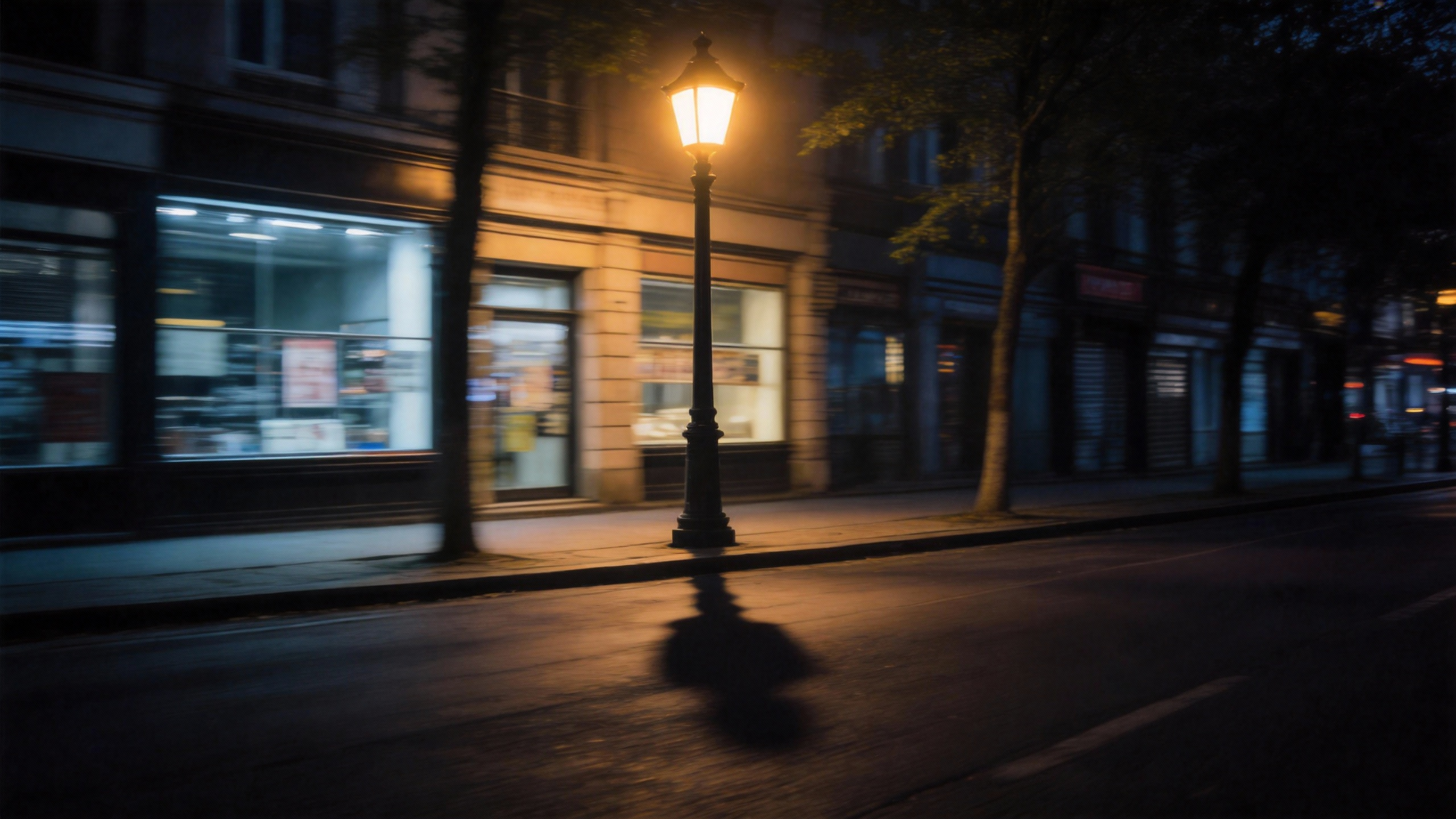
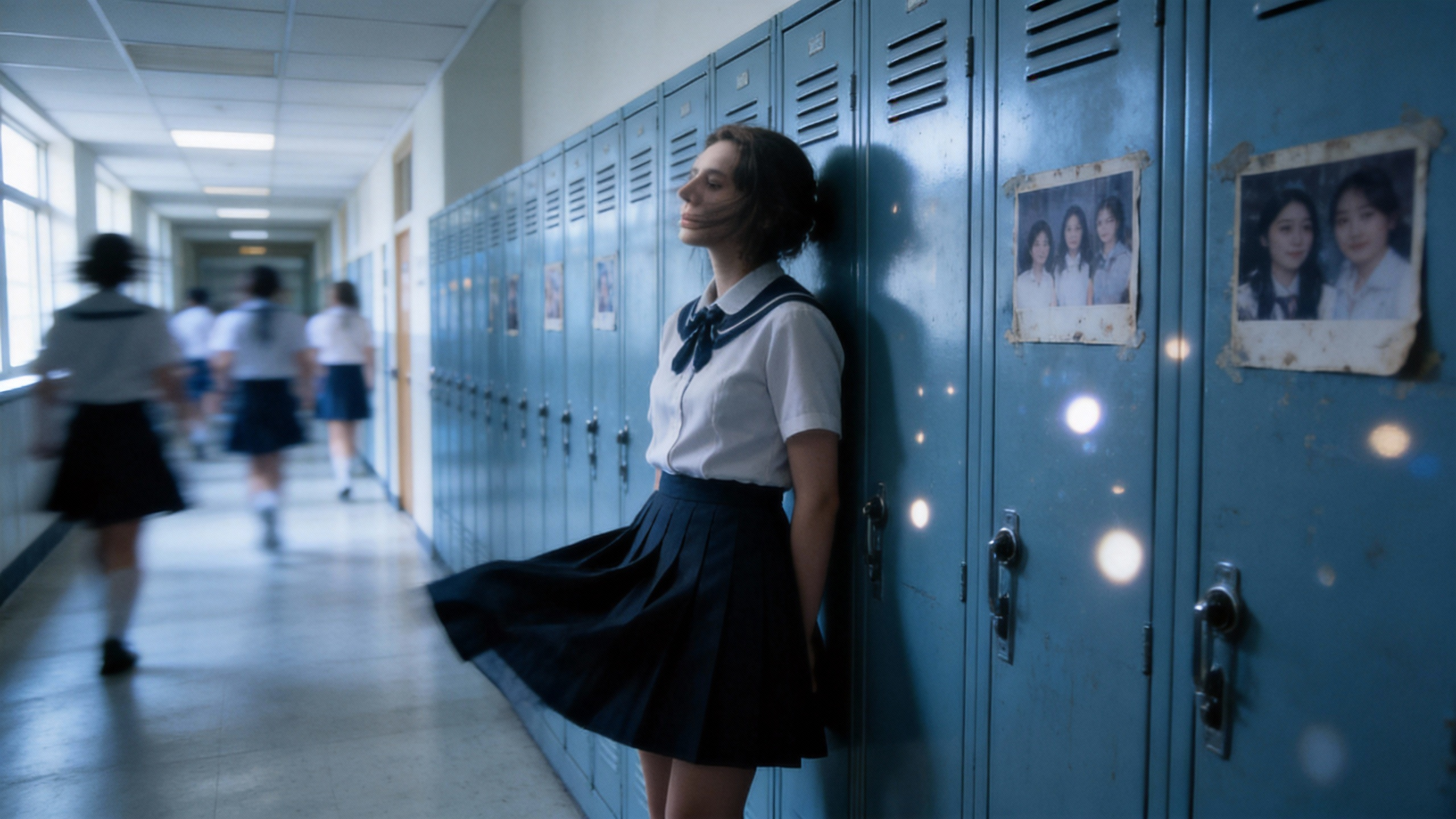
Inspired by Figures 1, 2, 3, 4, and 5, create an emotionally-driven video.
Uploaded assets
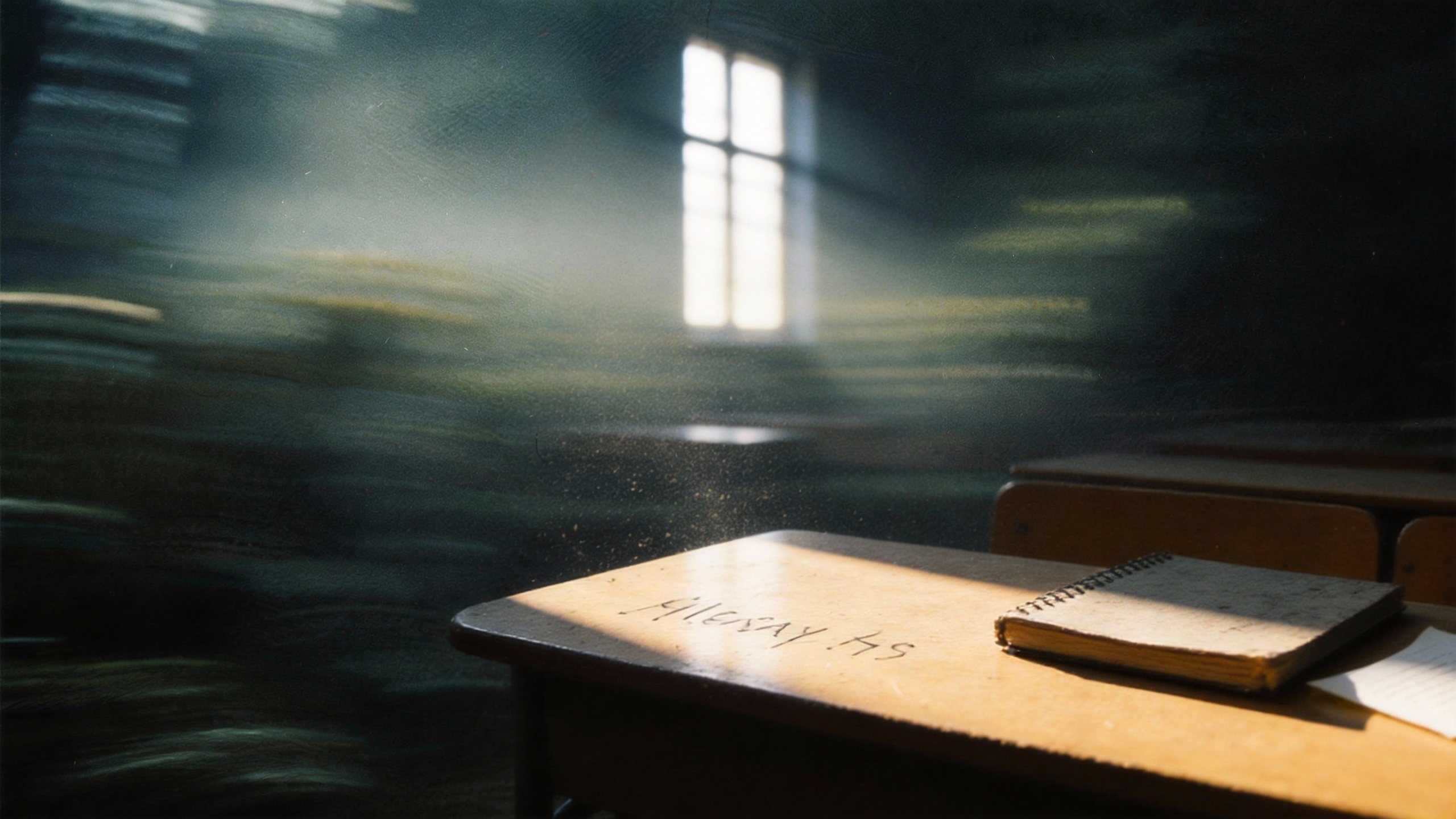
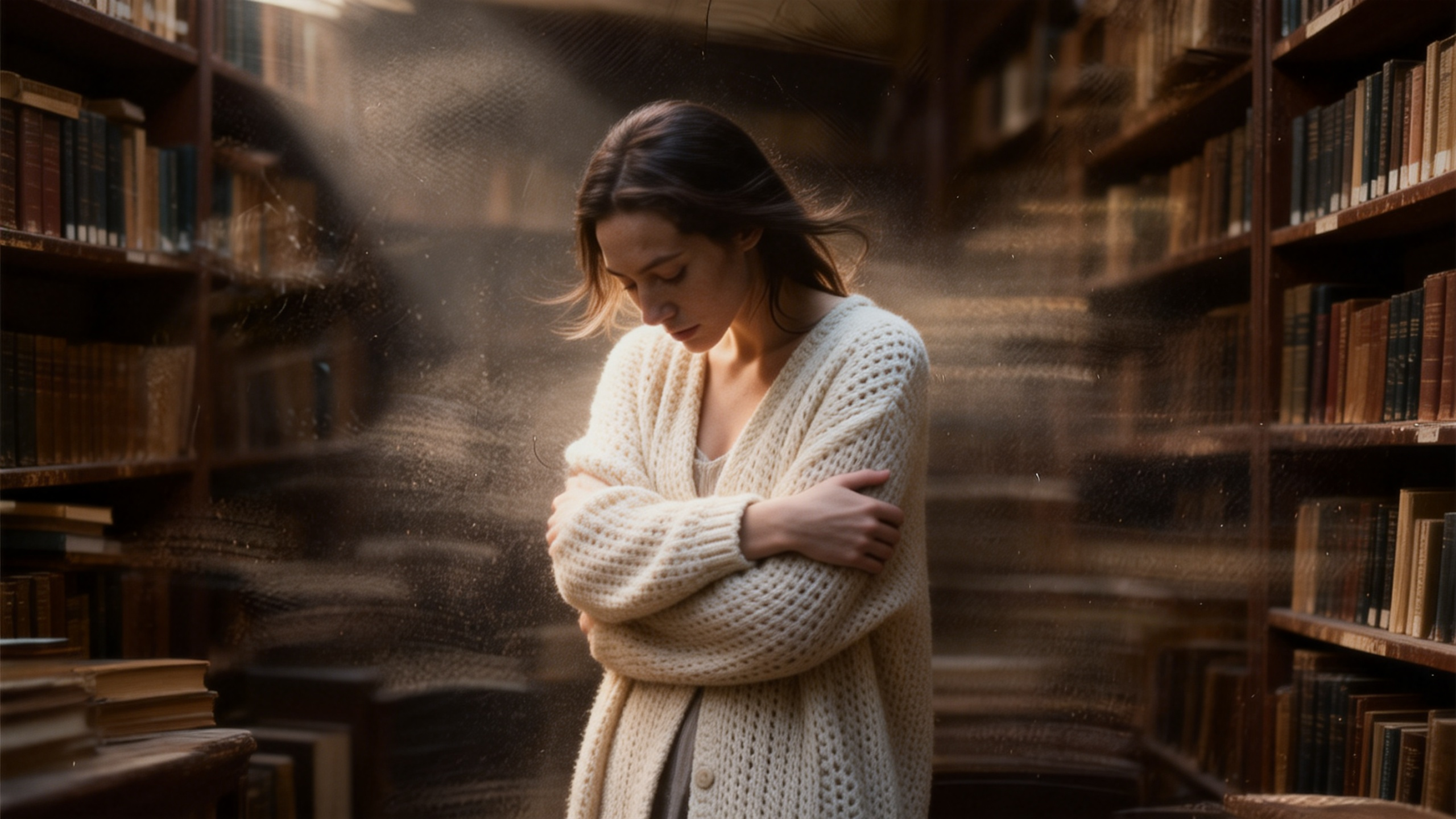
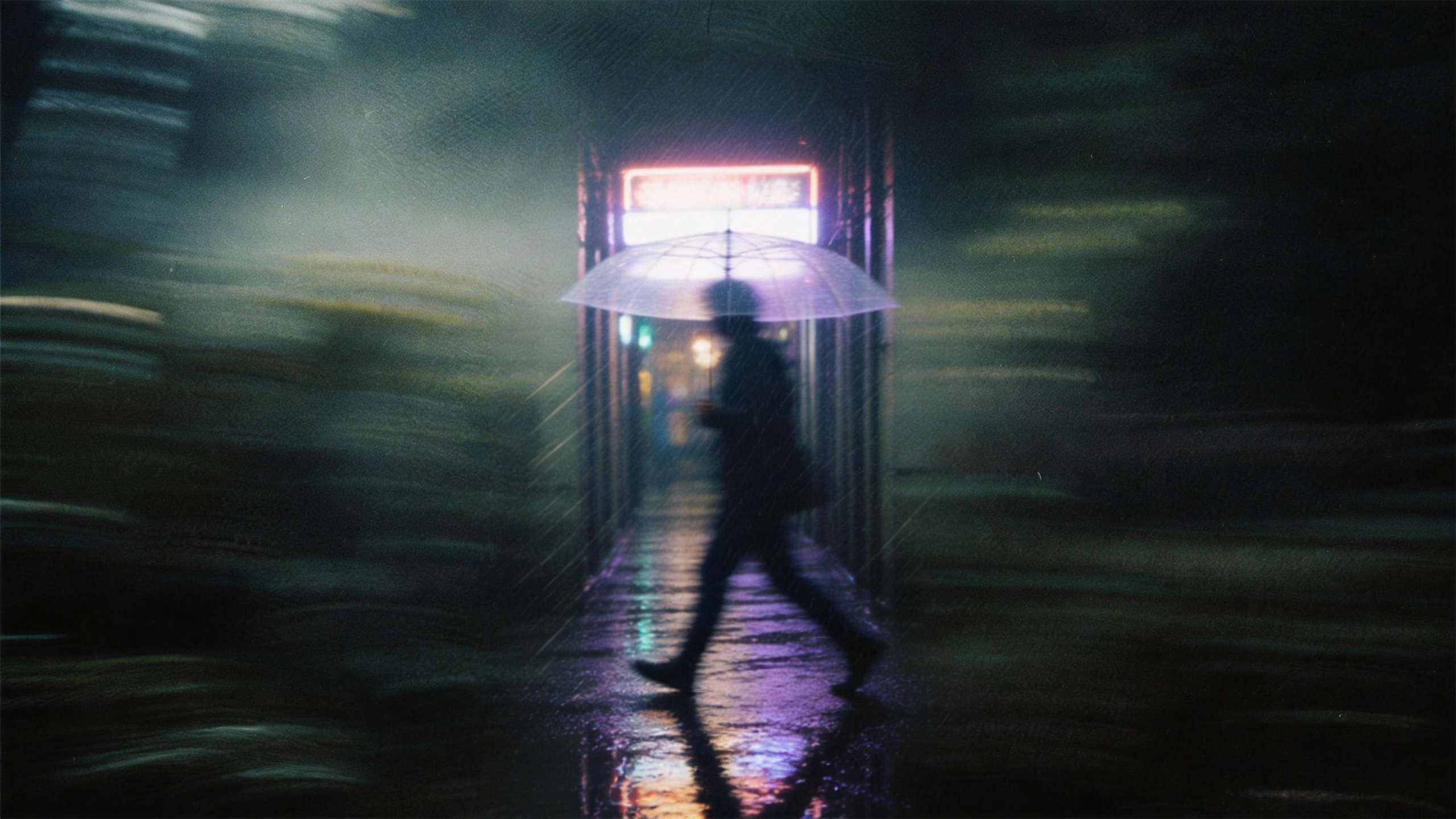
Output video
2. First & Last Frame Control
Seedance 2.0 allows you to lock the narrative structure by defining the exact start and end points of your video. The AI will seamlessly interpolate the physics, lighting, and camera movement between the two frames.
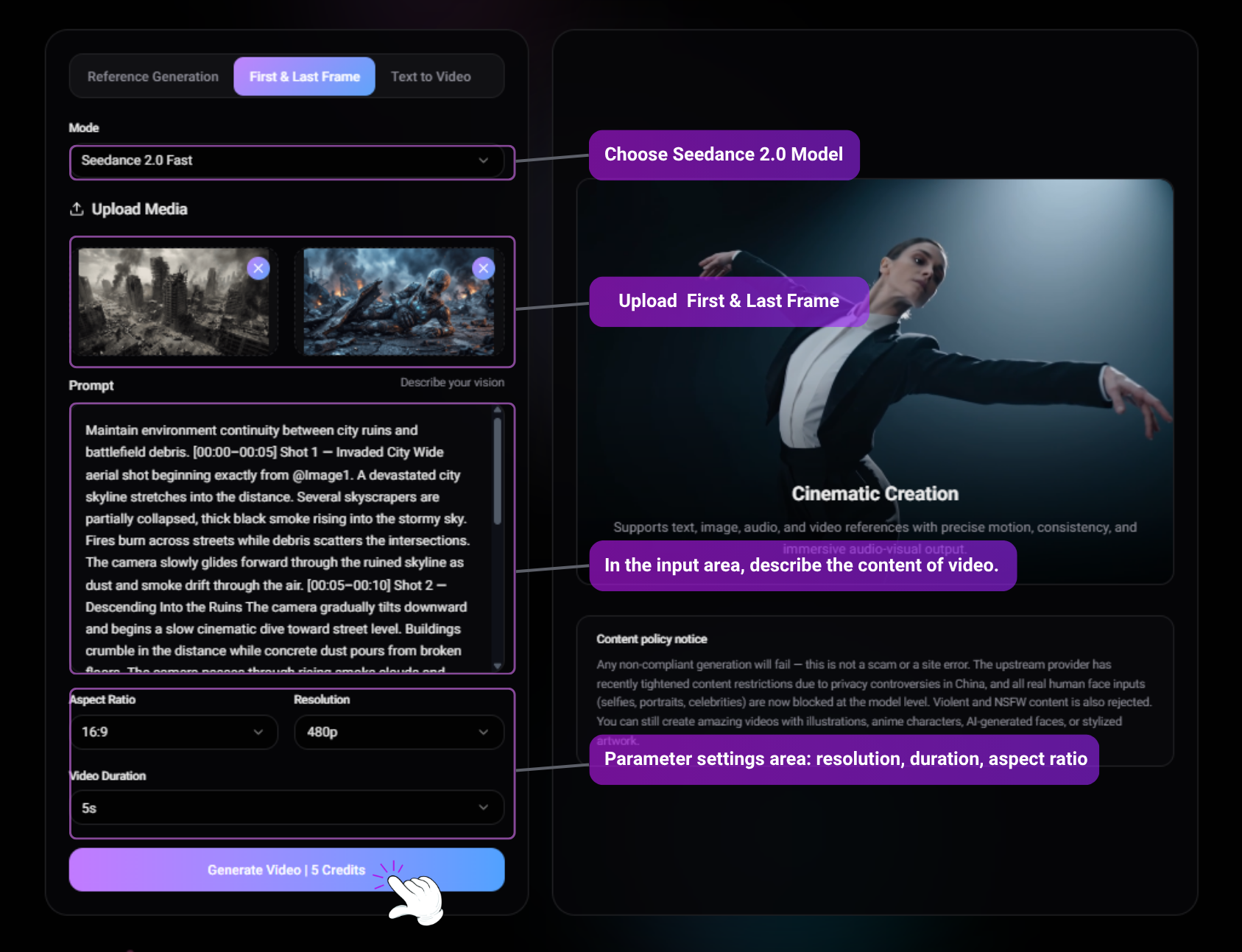
Input prompt
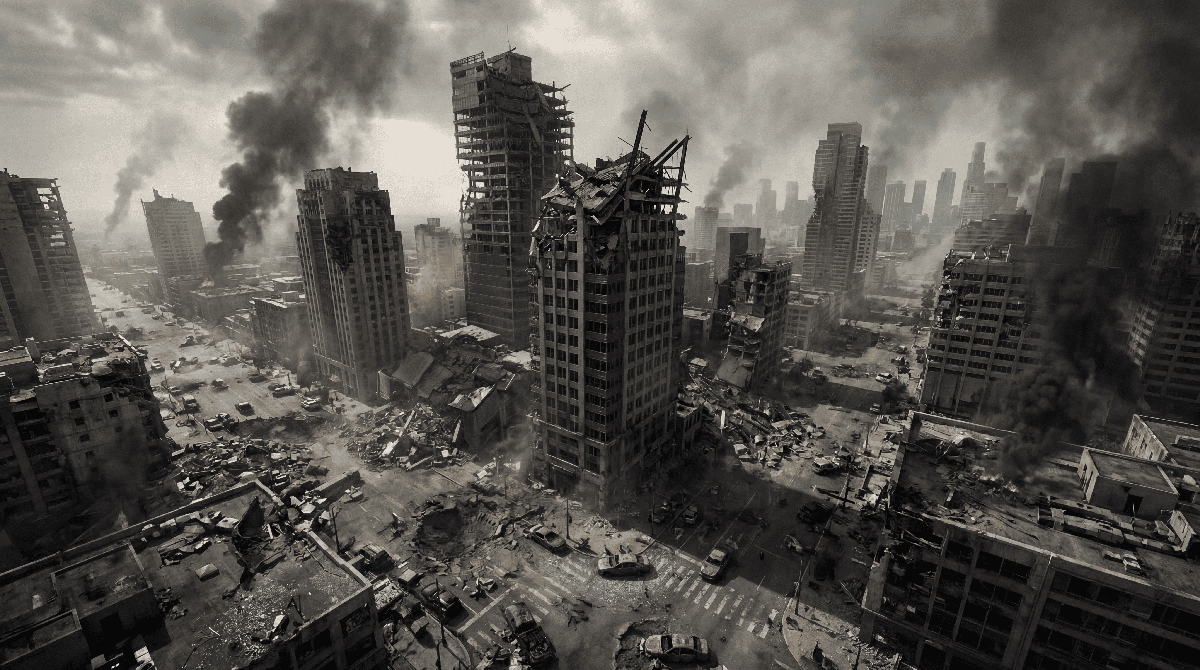
@Image 1 is the first frame. @Image 2 is the last frame. @Image1 as the first frame reference. @Image2 as the final frame reference. Maintain environment continuity between city ruins and battlefield debris. [00:00–00:05] Shot 1 — Invaded City Wide aerial shot beginning exactly from @Image1. A devastated city skyline stretches into the distance. Several skyscrapers are partially collapsed, thick black smoke rising into the stormy sky. Fires burn across streets while debris scatters the intersections. The camera slowly glides forward through the ruined skyline as dust and smoke drift through the air. [00:05–00:10] Shot 2 — Descending Into the Ruins The camera gradually tilts downward and begins a slow cinematic dive toward street level. Buildings crumble in the distance while concrete dust pours from broken floors. The camera passes through rising smoke clouds and falling debris, transitioning from the wide aerial destruction into the ground-level battlefield. [00:10–00:13] Shot 3 — Discovery The camera pushes through the smoke and reveals an alien soldier trapped beneath twisted wreckage and metal debris. Blue lights from its damaged armor flicker. The alien struggles weakly, surrounded by burning rubble and drifting ash. [00:13–00:15] Shot 4 — Final Close-Up The shot settles into the composition of @Image2. Close-up on the wounded alien lying among debris. It groans painfully, lifts its head slightly, and mutters with regret: "We should have attacked the human species…" Smoke rolls behind it while distant explosions echo through the ruined city. Audio: Low apocalyptic ambience, distant building collapses, crackling fires, wind blowing ash, alien breathing and groaning, final line spoken weakly with echoing battlefield atmosphere.
Uploaded assets

Output video
3. Native Audio & Synchronization
Seedance 2.0 breaks the boundary between visuals and sound. You can upload an audio clip (up to 15s), and the model will generate motion that matches the rhythm, or animate characters to lip-sync perfectly with the dialogue.
Input prompt
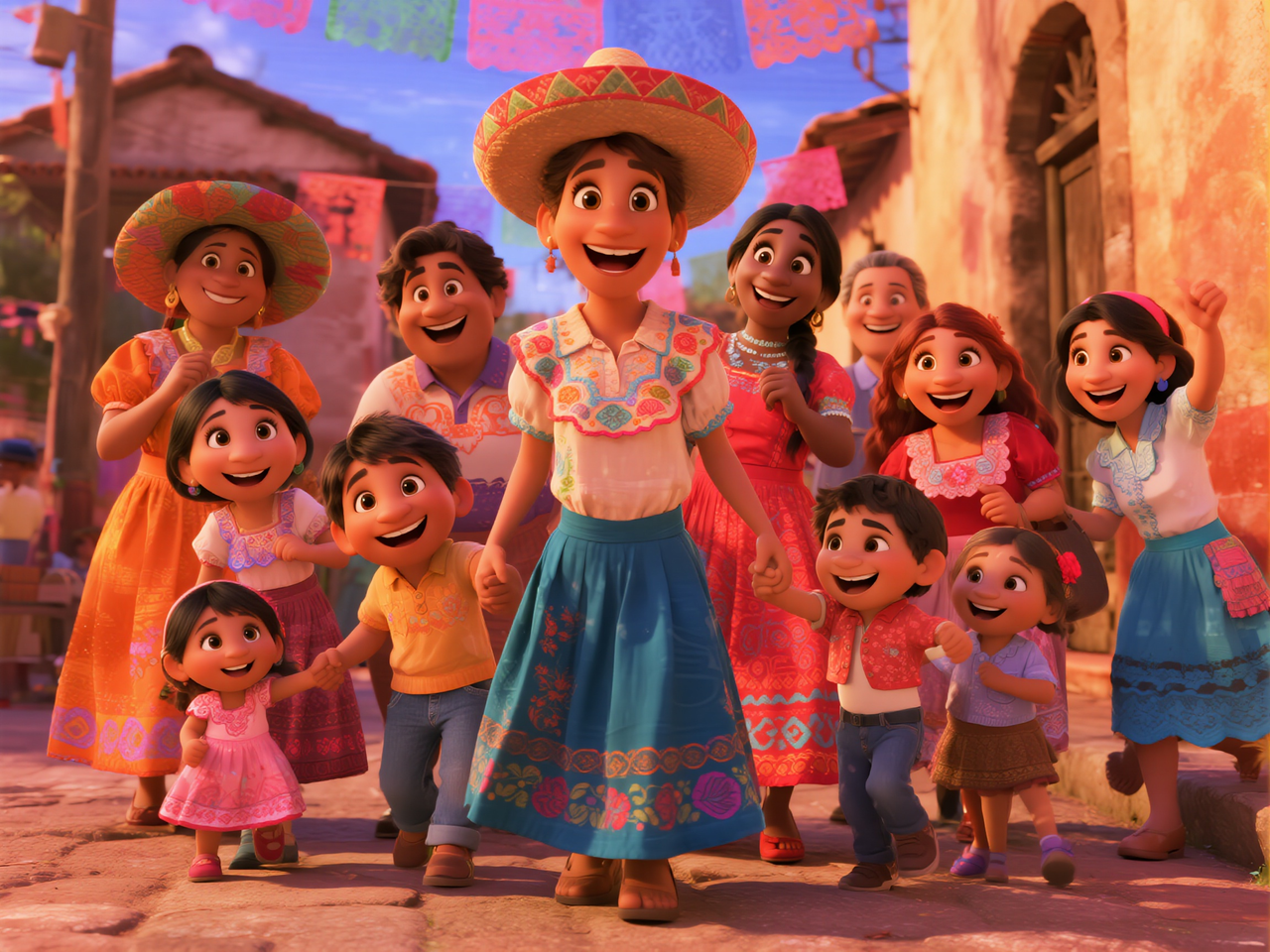
In the middle of the scene, the girl wearing a hat gently sings, saying, "I'm so proud of my family!" Then she turns and embraces the Black girl in the center. The Black girl, moved, replies, "My sweetie, you're the heart of our family," and hugs her back. The boy in yellow on the left happily says, "Folks, let's dance together to celebrate!" The girl on the far right immediately responds, "I'll bring the music!" Latin music plays in the background. The woman on the left wearing an orange dress (Julieta) smiles and nods, while the woman on the right with braids (Luisa) clenches her fists and swings her arms. Some people in the crowd start tapping their feet, the children clap along to the rhythm, and the entire family is about to form a circle. To the cheerful music, with skirts flying, they dance joyfully through the colorful streets, spreading joy and warmth.
Reference image
Output video
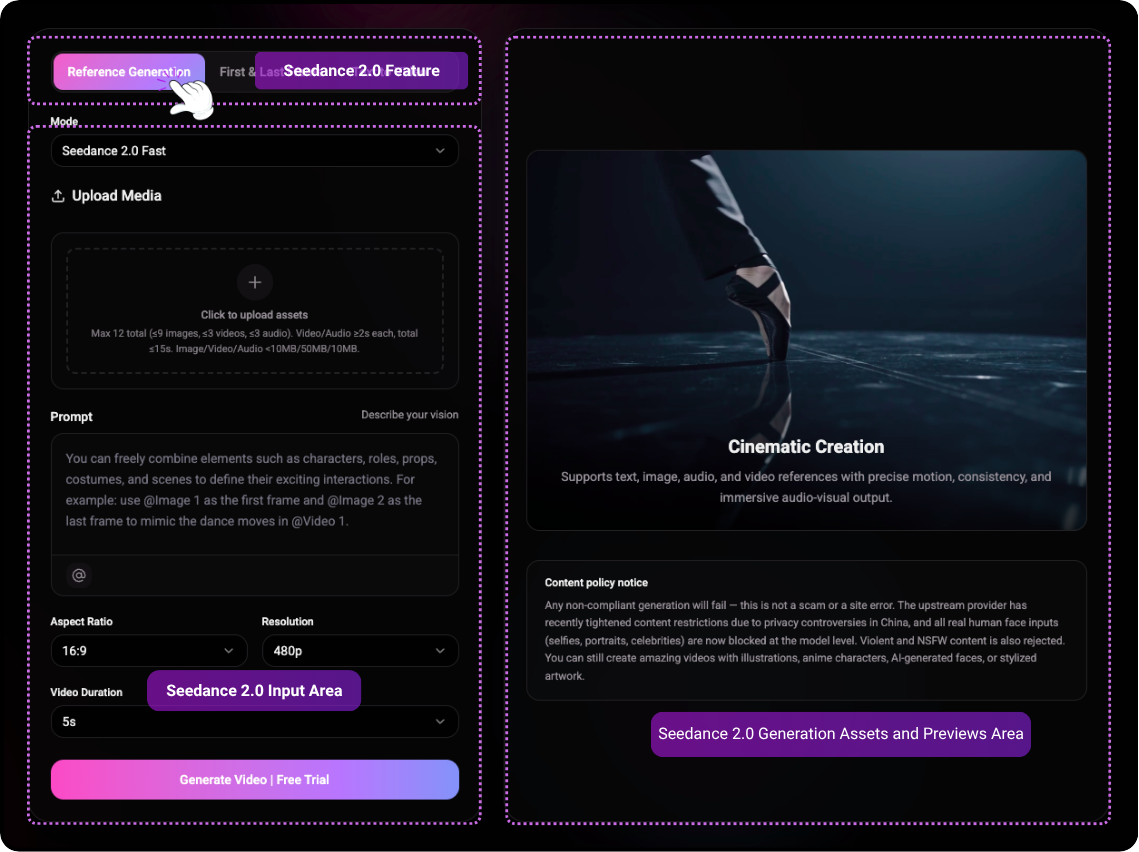
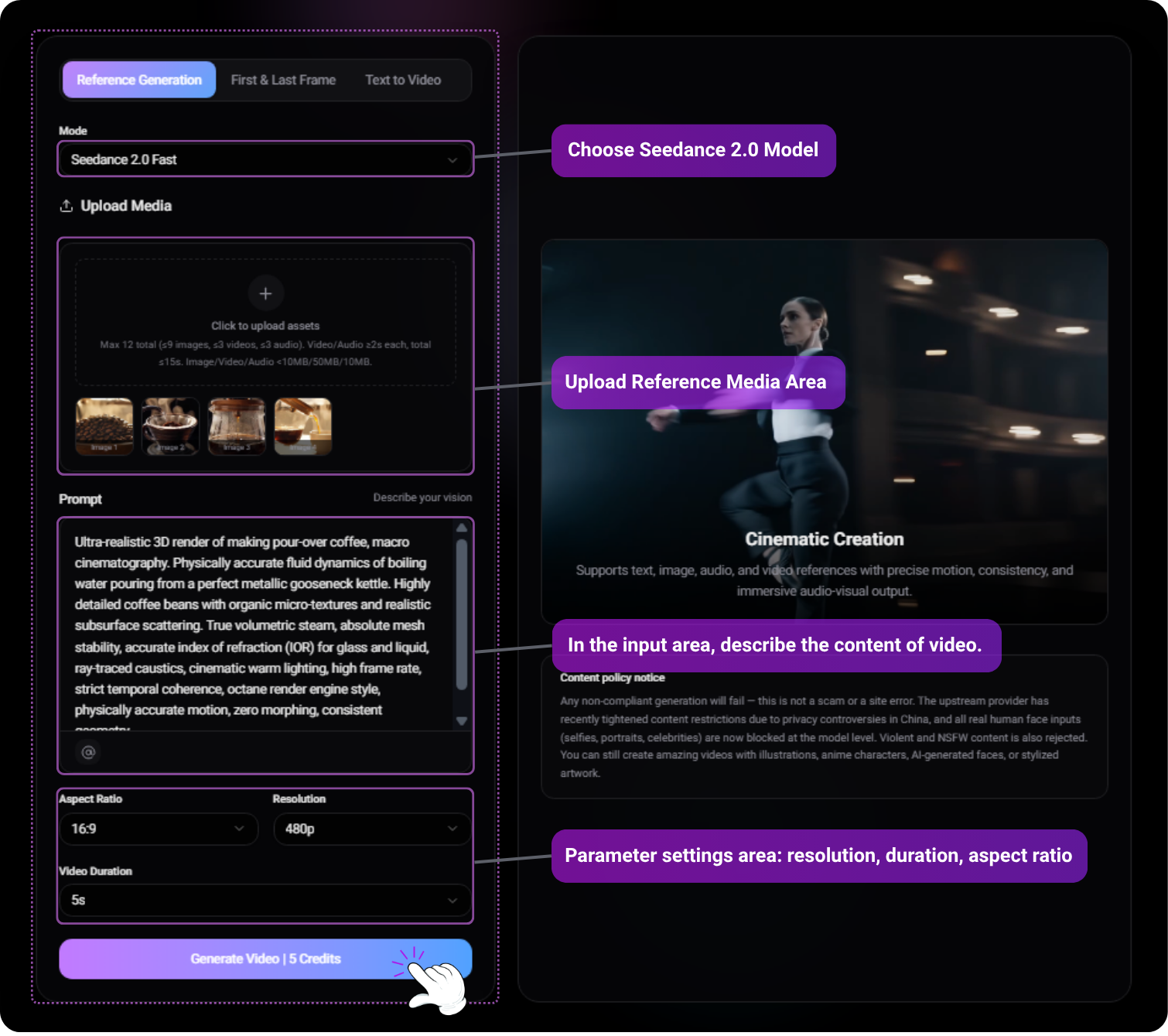
4. Generation Settings & Parameters
Before clicking "Generate", ensure your parameters match your project needs.
- [Aspect Ratio] : Choose 16:9 for cinematic, 9:16 for social media, or 1:1 for square formats.
- [Resolution] : Select between 480p, 720p, and 1080p Ultra HD.
- [Duration] : Choose 5s, 10s, or the maximum 15s.
- [File Limits] : Images/Audio must be < 10MB. Videos must be <50MB and at least 2s long.
Input prompt
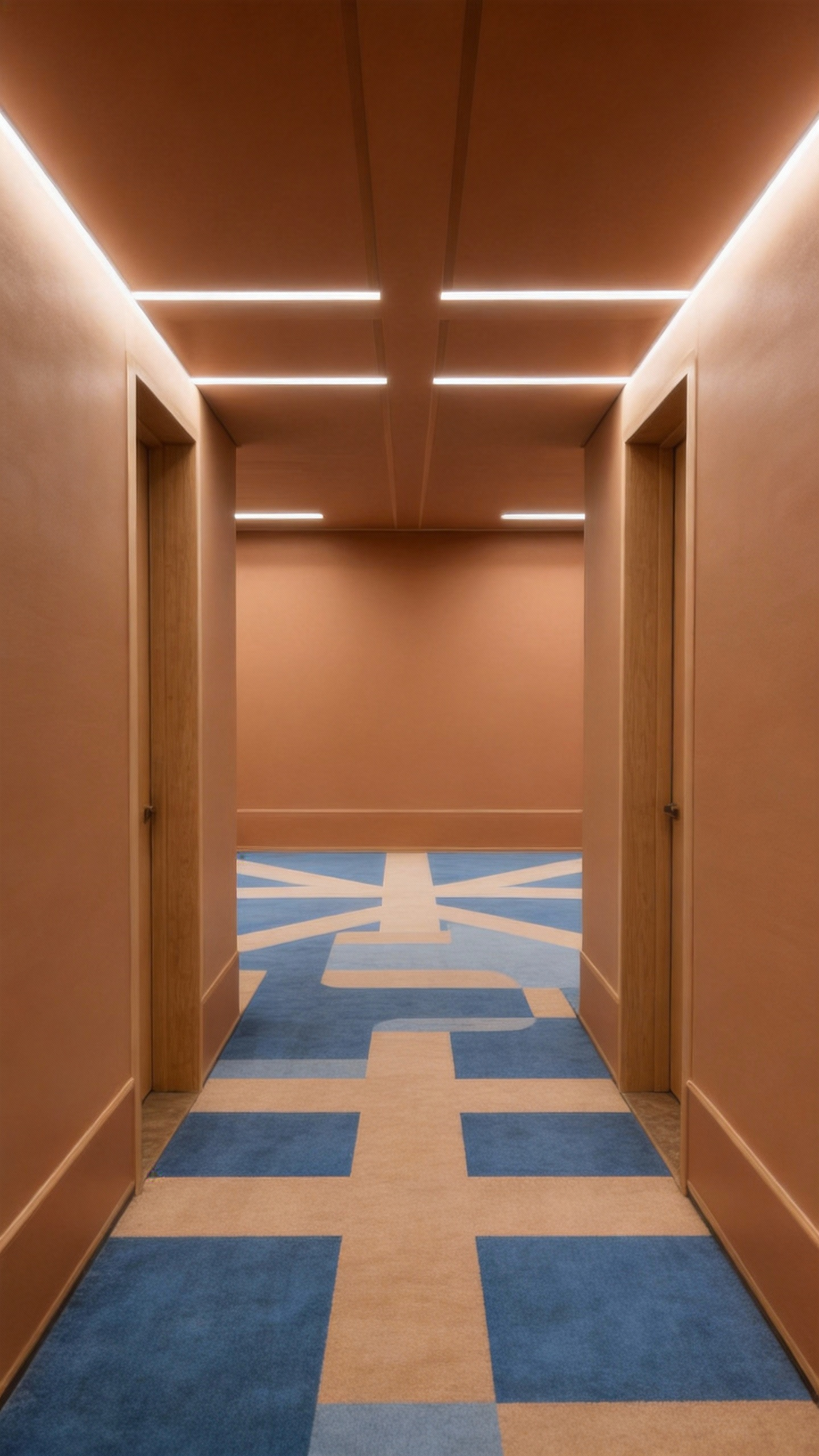
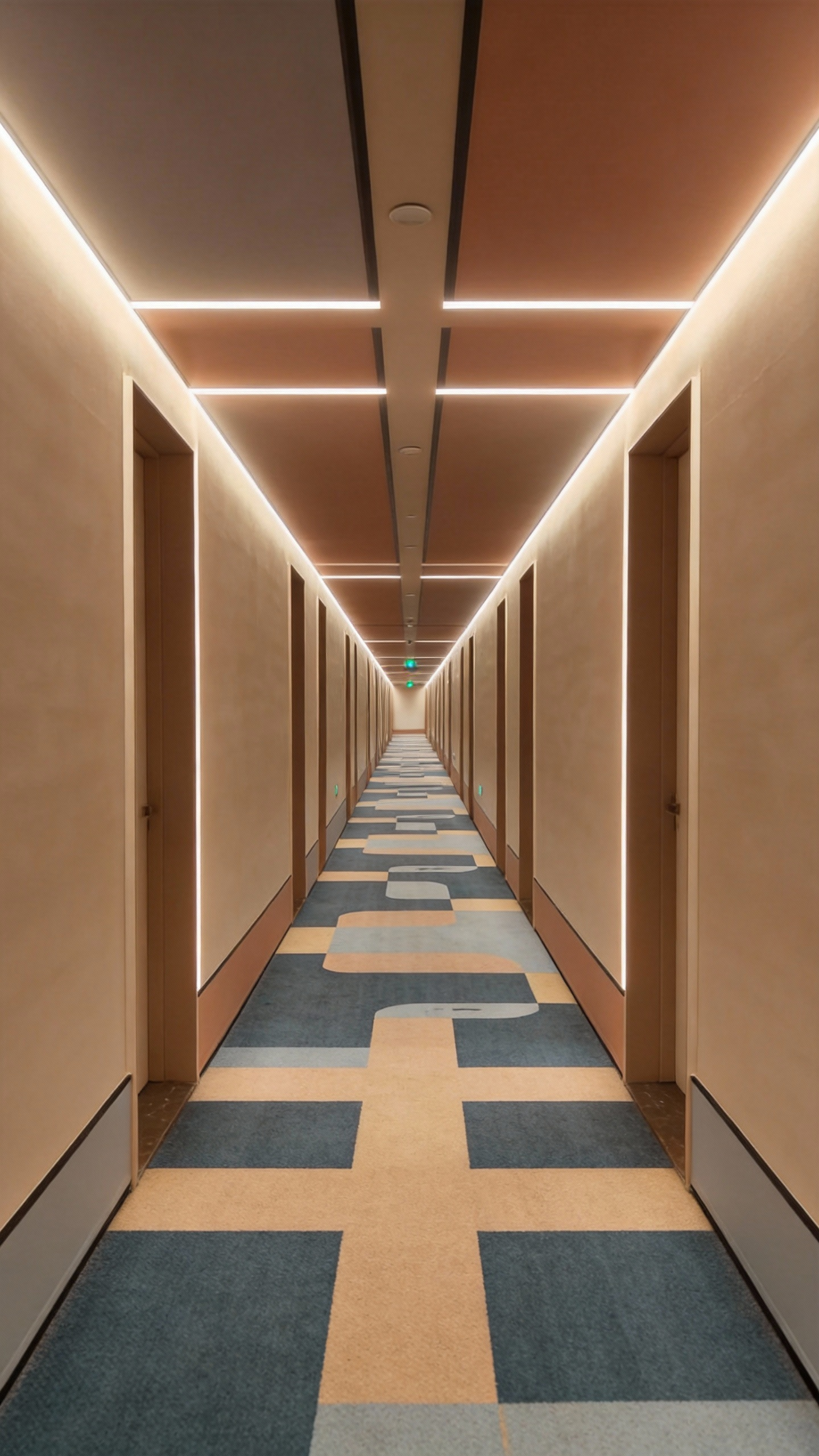
Refer to the image of the man in @Figure 1; he is in the corridor of @Figure 2, fully referencing all camera movements from @Video 1, as well as the main character's facial expressions. The camera follows the main character running around a corner in @Figure 2, then in the long corridor of @Figure 3, the camera moves from a rear-following perspective, circling from a low angle to the front of the main character; the camera then pans right 90 degrees to shoot the fork in @Image 4, stops abruptly, then pans right 180 degrees to shoot a close-up of the main character's face: the main character is panting, the camera follows the main character's perspective looking around, referencing the rapid left-right circling camera movements in @Video 1 to display the scene, then pulls back to the scene in @Image 5, continuing to follow the main character's side view while running.
Uploaded assets

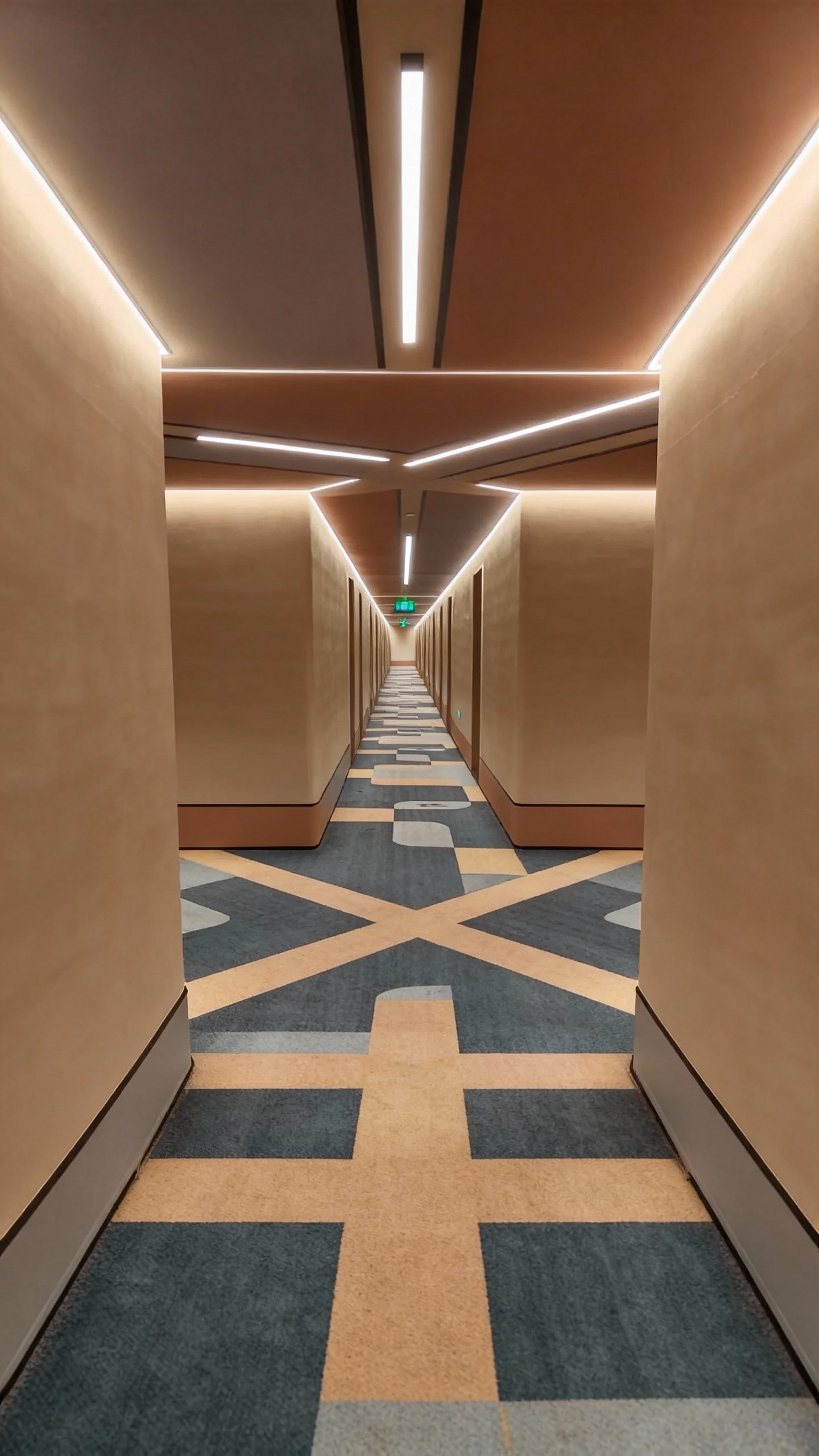
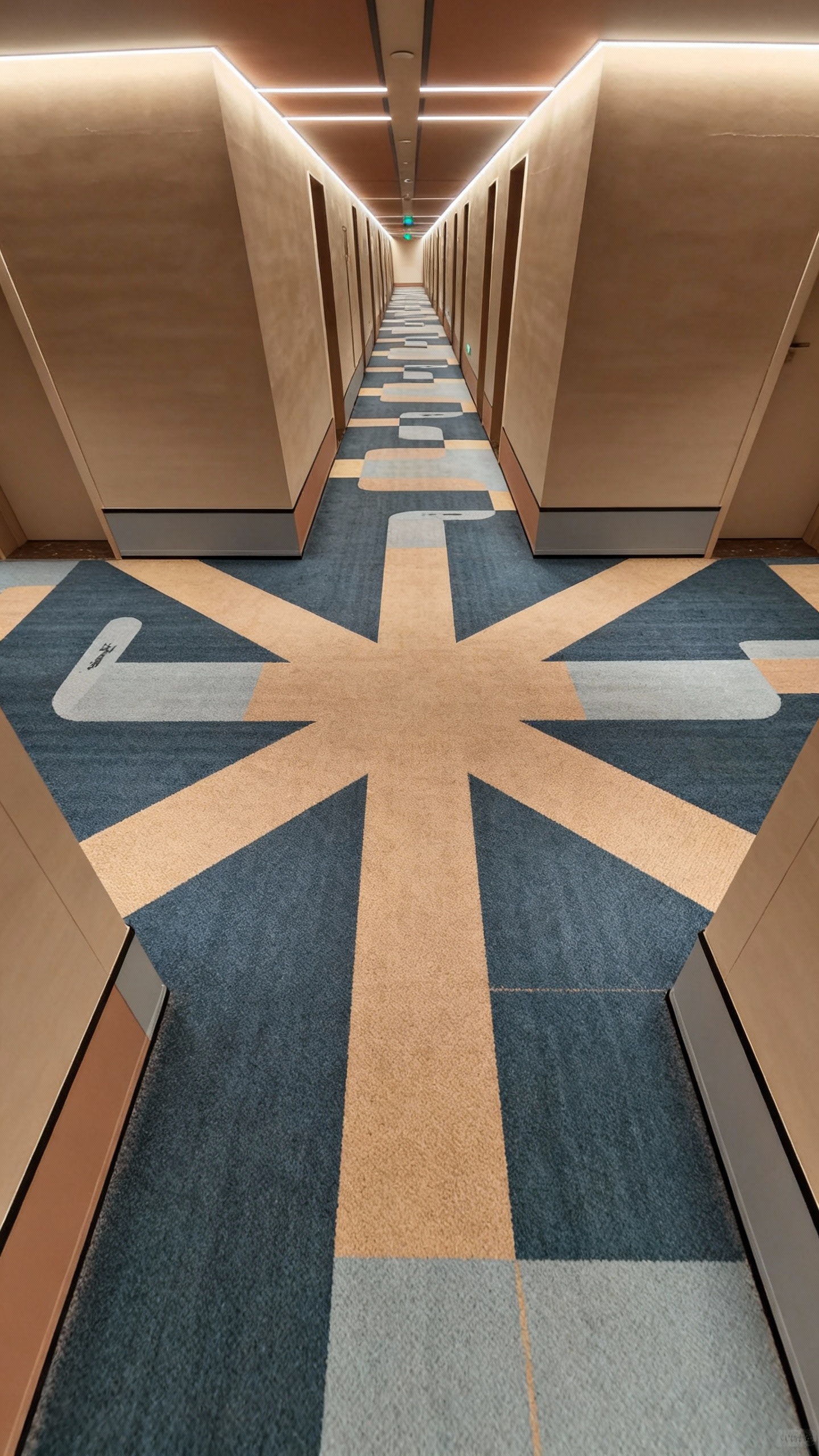
Output video
5. 15-Second Cinematic Generation
Generate up to 15 seconds of continuous, multi-shot, audio-synced video, providing maximum flexibility for your narrative workflows.
Input prompt
Replace the character in @Video1 with @Image1, where @Image1 is the first frame, and the character wears virtual sci-fi glasses. Follow the camera movements of @Video1, including close panoramic shots, switching from a third-person perspective to the character's first-person perspective. Travel through the AI virtual glasses to the deep blue universe of @Image2, where several spaceships fly off into the distance. The camera follows the spaceships as they travel to the pixel world of @Image3, flying low over the pixelated mountains and forests, showing the growth patterns of the trees. Then, the perspective tilts up and rapidly moves to the light green textured planet of @Image4, with the camera passing over and skimming across the planet's surface.
Uploaded assets
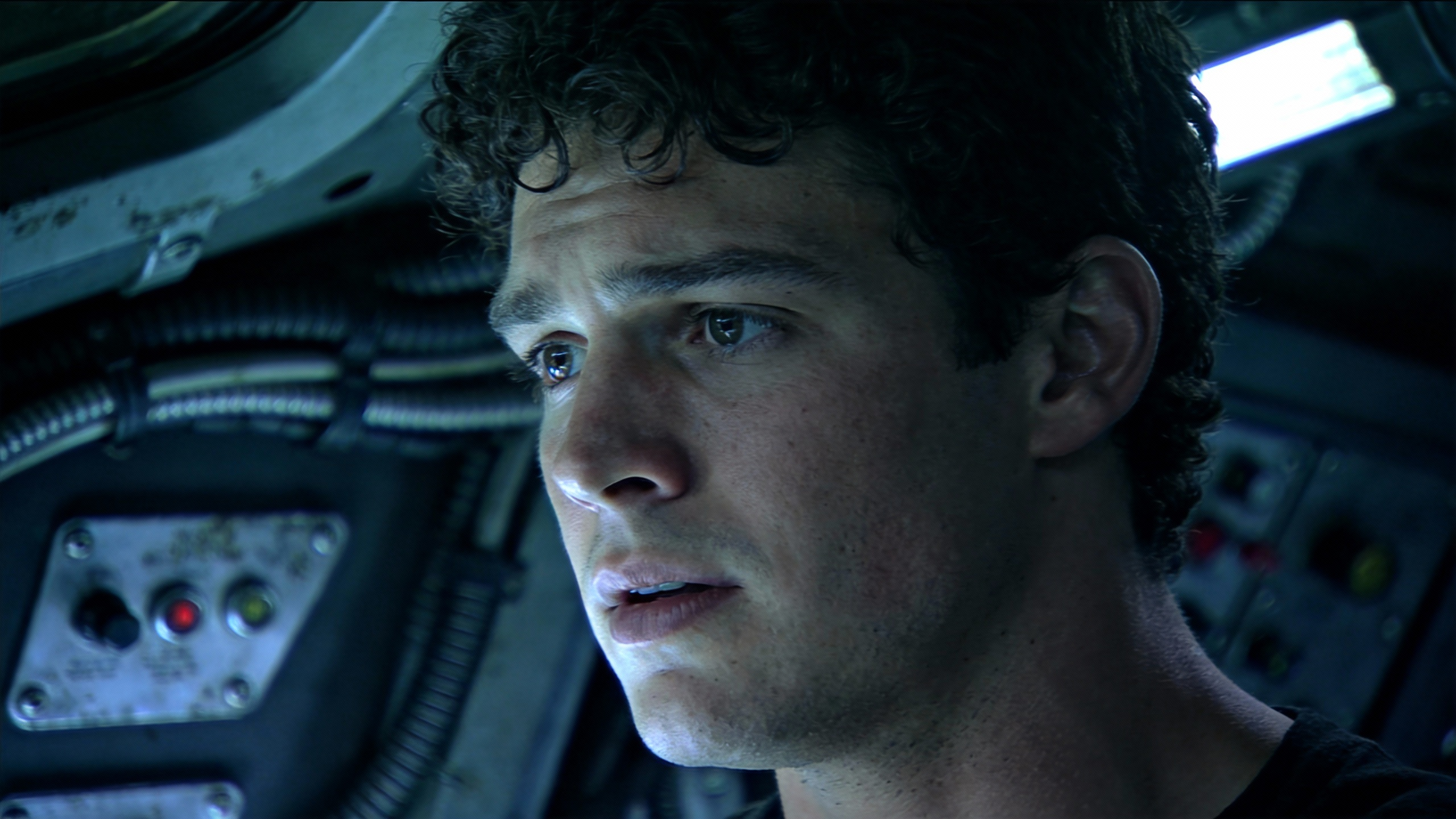
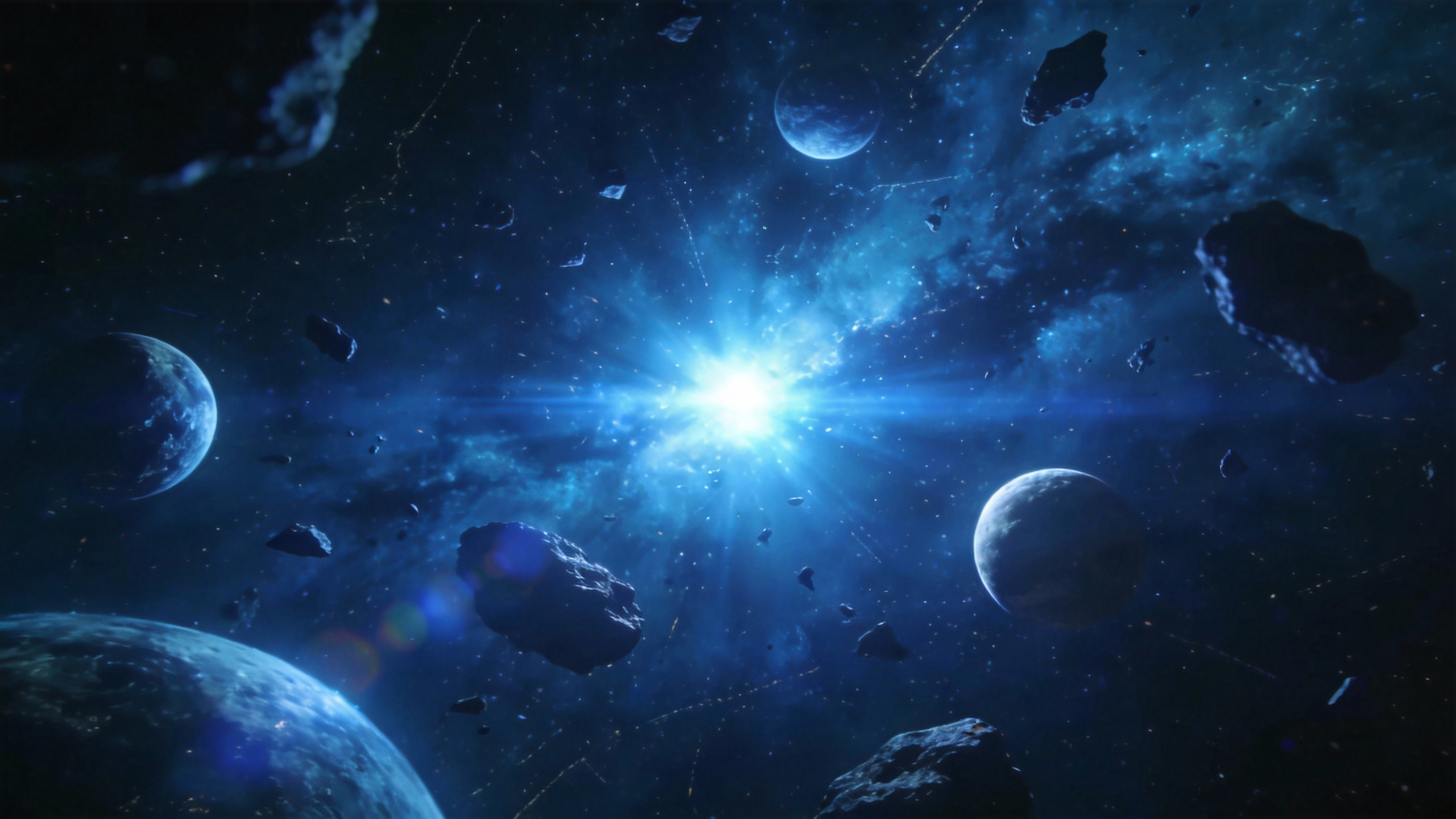
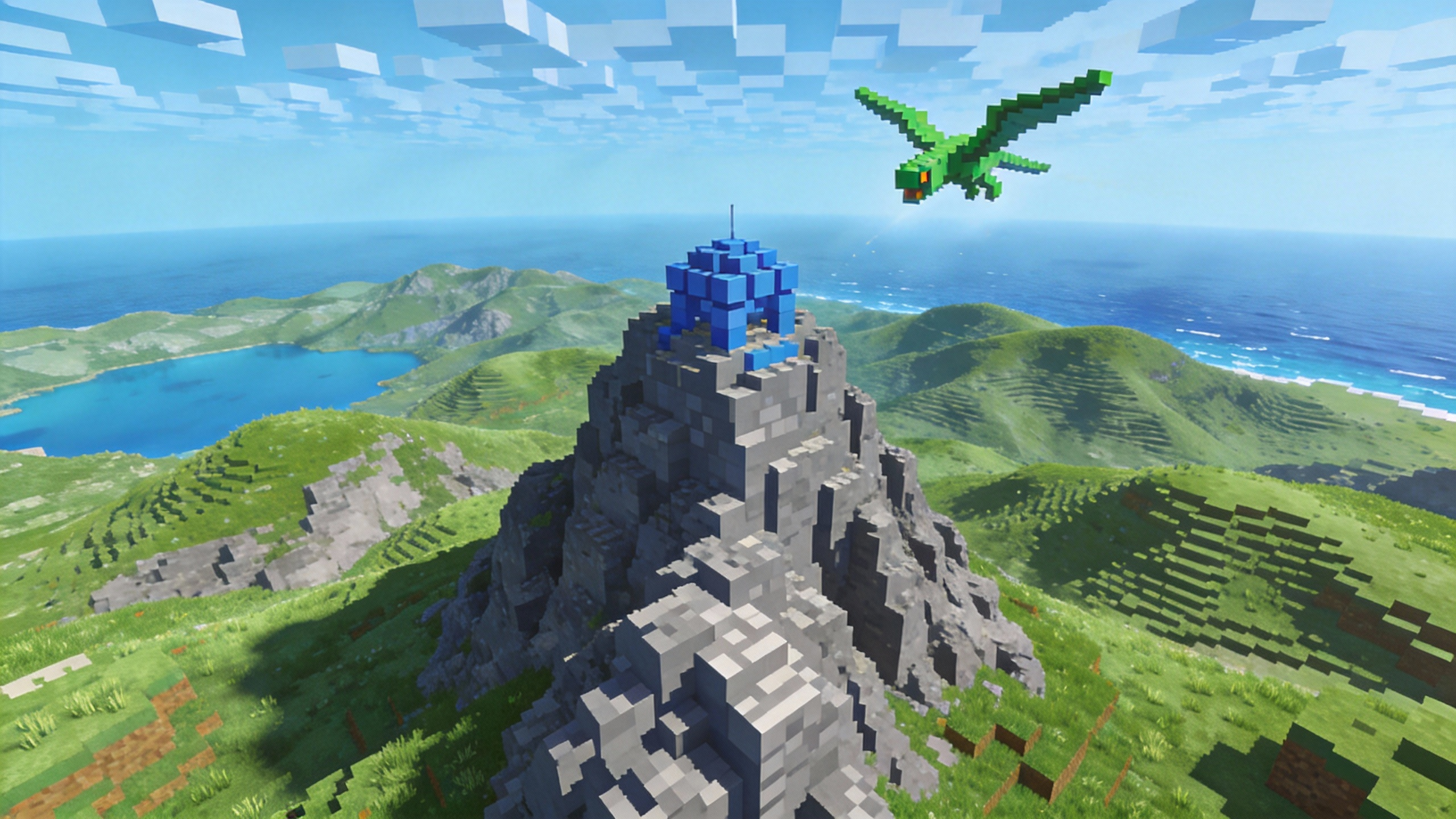
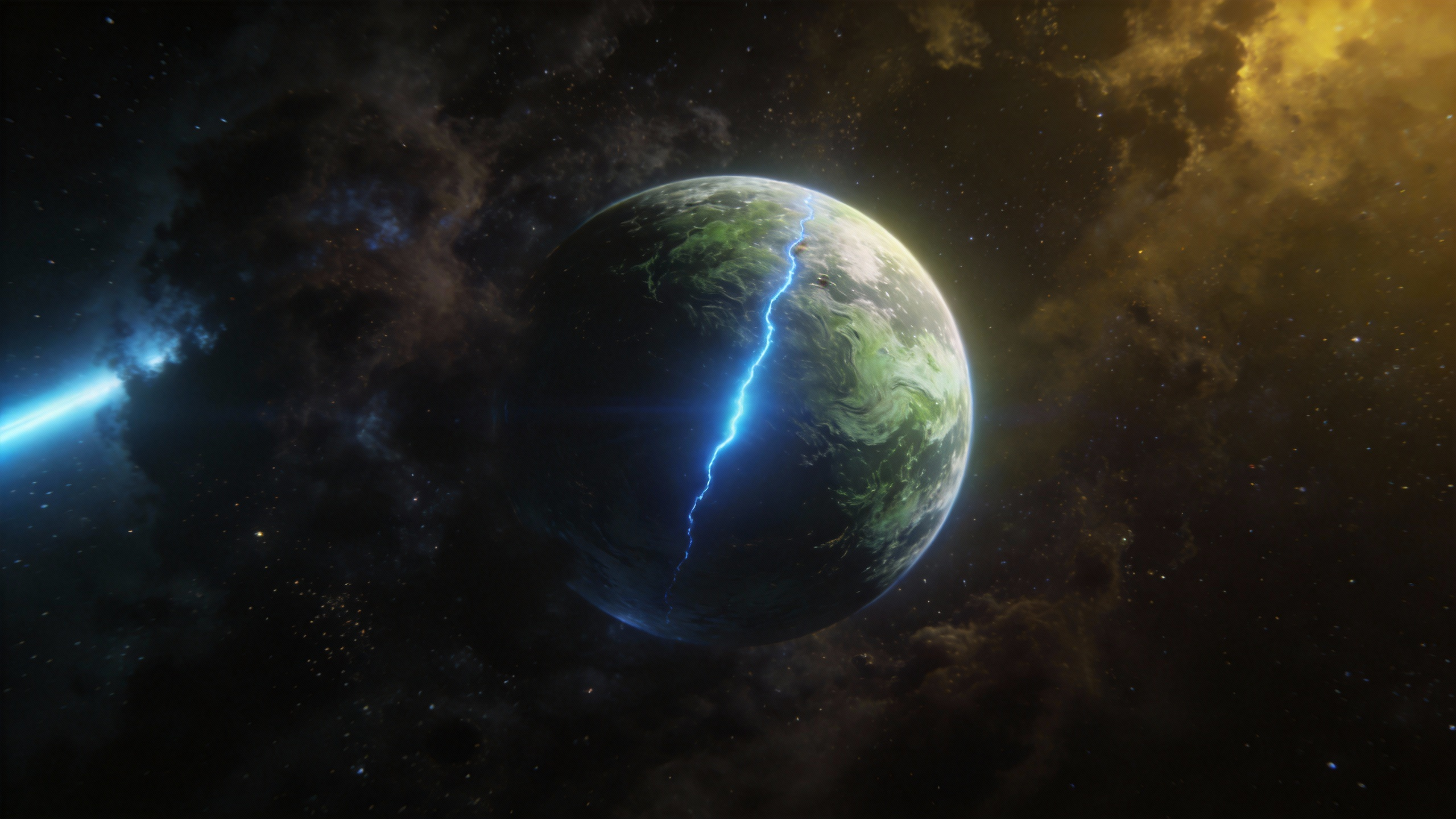
Output video
Frequently Asked Questions
What are the supported input materials and limits?
Image Input: Supports jpeg, png, webp, bmp, tiff, and gif formats. You can upload up to 9 images, each under 10 MB.
Video Input: Supports mp4 and mov. Up to 3 videos with total duration between 2 and 15 seconds. Each video must be at least 2 seconds and under 50 MB. Supported pixel range: 409600 (640×640, 480p) to 927408 (834×1112, 720p).
Audio Input: Supports mp3 and wav. Up to 3 files with total duration between 2 and 15 seconds. Each audio file must be at least 2 seconds and under 10 MB.
Text Input: Natural language prompts.
Generation Duration: Up to 15 seconds, freely selectable between 4–15 seconds.
Audio Output: Built-in sound effects and background music.
Interaction Limits: The total limit for mixed inputs is 12 files. Prioritize uploading materials that have the greatest impact on the visuals or rhythm, and allocate reasonably across different modalities.
Can I edit or extend a video after generation?
Yes. Seedance 2.0 supports smooth video extension. You can prompt the AI to "keep shooting" the next sequence, or use the editing tools to replace characters and trim scenes.
How many credits does it cost to generate a video?
Credit consumption depends on your settings. Generating a 1080p video with native audio for 15 seconds will consume more credits than a 480p silent 5-second clip. Check our Pricing Page for detailed credit packages.
Create Professional AI Videos with Seedance 2.0 on Seedio
Create cinematic AI videos with realistic motion, immersive sound, and director-level control—without complex production.